
Technical SEOPro
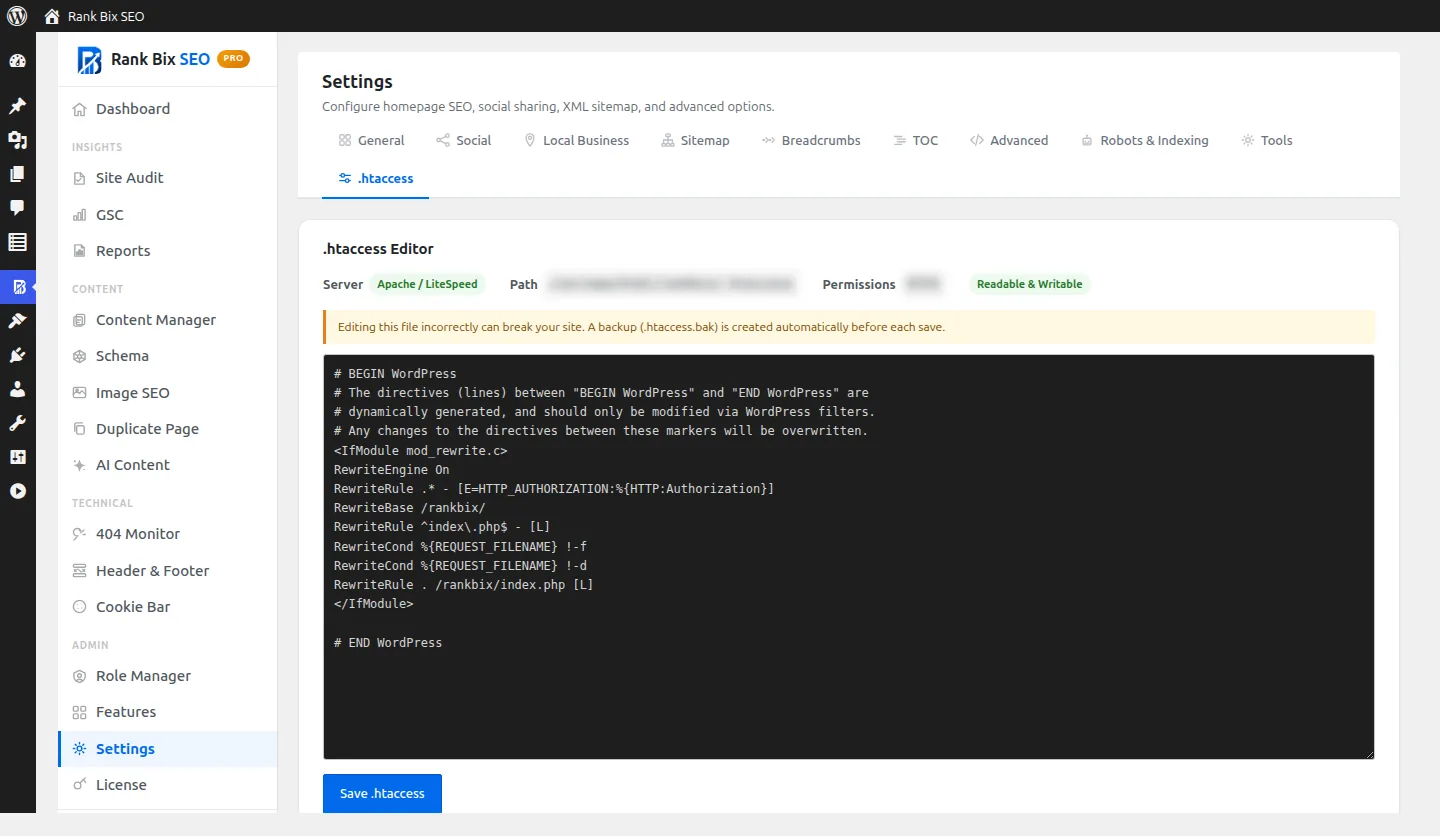
Edit .htaccess without FTP
Edit your server's .htaccess file from WordPress, with a backup before every save.
Why it helps
Small server rules, like forcing HTTPS, usually mean logging in by FTP. The editor lets you make the change from WordPress and roll back if something goes wrong.
How to set it up
- Activate Pro and turn on .htaccess Editor in Features.
- Open Settings > .htaccess, make your change and save.
Where to find it:
Settings > .htaccess
What it does
Edit in WordPress
ProNo FTP or SSH needed.
Backups
ProA backup is saved before every change.
Questions people ask
Does it work on Nginx?
No. .htaccess is only used by Apache and LiteSpeed servers.