
Structured data without writing JSON
Rank Bix adds JSON-LD schema for your posts, pages, FAQs, how-tos and business, so Google understands your content.
Why it helps
Schema helps search engines show richer results, but writing it by hand is fiddly and easy to break. Rank Bix generates it from your content and settings.
How to set it up
- Fill in Settings > Local Business if you have a physical business.
- Choose a schema type per post, or use the FAQ and HowTo blocks.
What it does
Everything marked Free is in the plugin on WordPress.org. Pro adds the rest.
Built-in types
FreeWebSite, WebPage, Article, BlogPosting, Product, Review, HowTo, FAQ, BreadcrumbList and Local Business.
FAQ and HowTo blocks
FreeAdd questions or steps with editor blocks and the schema is created for you.
Local Business
FreeYour business name, type, address and phone, added to the homepage.
Schema templates
ProReusable JSON-LD templates assigned per post type.
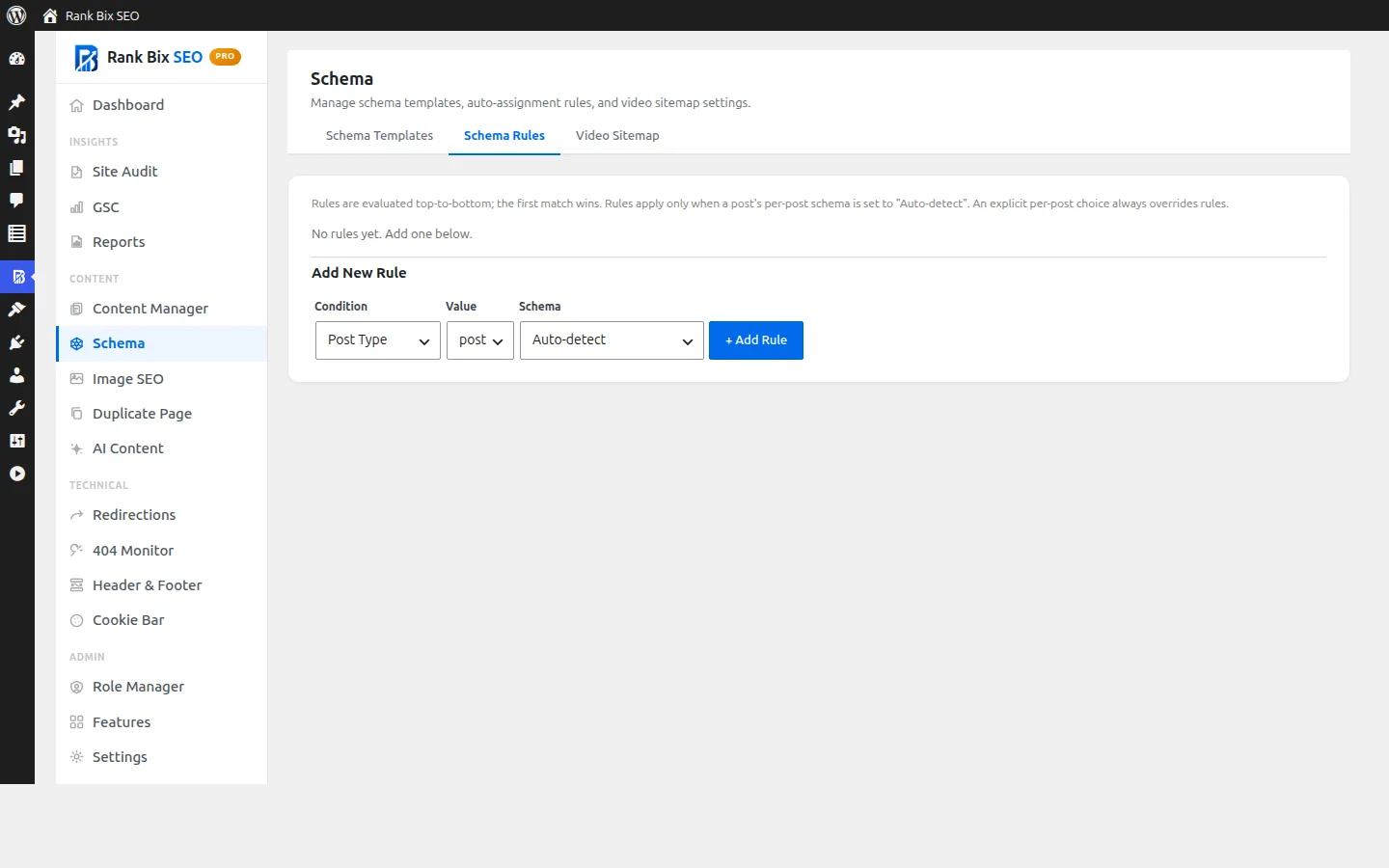
Schema rules
ProAssign schema types automatically by post type or taxonomy.
More types
ProRecipe, Event, Job Posting, Course and Software App.
Multiple locations
ProEach location gets its own Local Business schema.
Questions people ask
Will schema guarantee rich results?
Works well with
Richer Product schema for WooCommerce, with price, availability, brand, GTIN and reviews.
Read more →Show a breadcrumb trail with a shortcode or theme function, with BreadcrumbList schema added automatically.
Read more →Open Graph and X (Twitter) Card tags, so links to your site show the right title, description and image.
Read more →