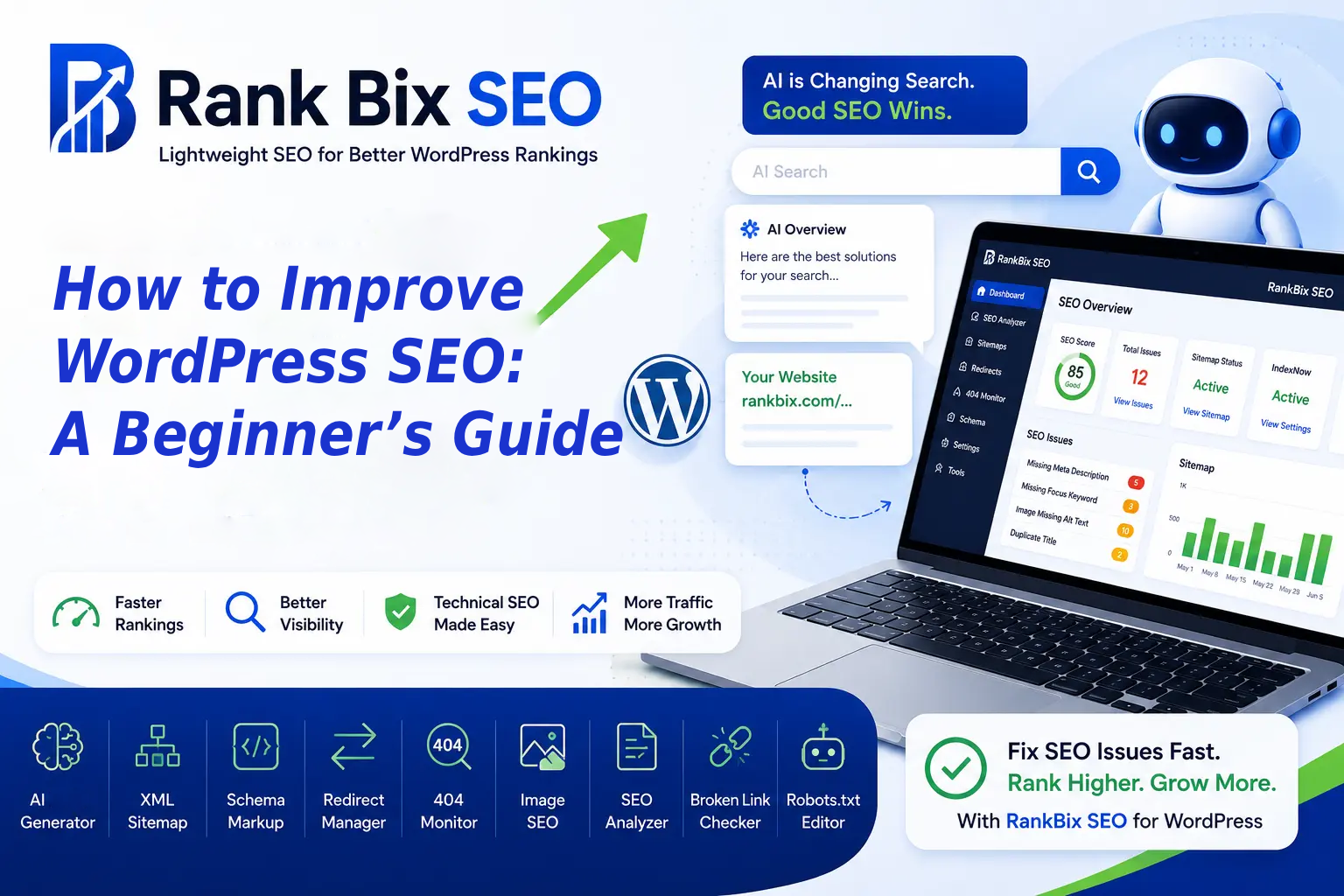
If you want to grow your website traffic and outrank your competitors, learning how to improve WordPress SEO is the most effective step you can take today. While WordPress is naturally search-engine friendly out of the box, reaching the top of Google requires intentional optimization across your entire site.
In this beginner’s guide, you will learn practical, actionable strategies to boost your search rankings. We will cover how to choose the right lightweight SEO plugin, optimize your on-page content, fix technical bottlenecks, master internal and external linking, and track your performance.
Choose a Lightweight SEO Plugin
Your journey to improve WordPress SEO starts with the right toolkit. Many beginners make the mistake of installing heavy, bloated SEO plugins that slow down their websites. A lightweight plugin gives you the essential features you need—like sitemap generation, meta title optimization, and schema markup—without adding unnecessary code that drags down your server response time.
For example, using a streamlined tool like Rank Bix SEO ensures you get powerful optimization and technical insights without the heavy resource usage of traditional plugins. When evaluating your options, look for solutions that keep your database clean and your site running fast.
Optimize Your On-Page Content
Search engines rely on text and structure to understand what your pages are about. Optimizing your on-page content means making it easy for both users and crawlers to digest your message. Start by conducting basic keyword research to find terms your audience is actually searching for, and place your target keyword naturally in your title, introduction, and a few subheadings.
Beyond keywords, focus on readability and structure:
- Write compelling, click-worthy meta titles and descriptions under 60 and 160 characters respectively.
- Use heading tags (H2, H3) logically to break up long blocks of text.
- Add descriptive alt text to your images so search engines can index them correctly.
- Ensure your content answers the user intent behind the search query thoroughly.
Fix Technical SEO and Site Speed
Technical SEO forms the foundation of your website. If search engine bots cannot crawl your site efficiently, or if your pages take too long to load, your rankings will suffer regardless of how good your content is. Site speed is a confirmed ranking factor, and slow loading times lead directly to higher bounce rates.
To fix technical issues and improve WordPress SEO, follow these steps:
- Install an effective caching plugin to serve static versions of your pages.
- Compress and resize all images before uploading them to your media library.
- Use a reliable hosting provider with strong uptime and fast server response times.
- Submit your XML sitemap to Google Search Console to help bots discover your pages faster.
- Fix broken links and eliminate unnecessary redirect chains.
Master Internal and External Linking
Links act as the roads and highways of the internet, guiding both users and search engine crawlers from page to page. A thoughtful linking strategy helps distribute authority across your website and establishes your topical relevance.
Internal links connect one page
Choose a Lightweight SEO Plugin
When you want to Improve WordPress SEO, your choice of plugin is the foundation of your entire strategy. Many popular SEO plugins come packed with heavy code, unnecessary bloat-ware, and database-heavy features that you will never actually use. Every extra script adds milliseconds to your load time, dragging down your Core Web Vitals and frustrating your visitors before they even read a single sentence.
To keep your site lean and competitive, you need a modern plugin that strikes the right balance between performance and capability. Here are the essential features you should look for:
- Clean code that does not load unnecessary scripts on your frontend.
- Built-in XML sitemap generation to help search engines crawl your pages.
- Intuitive metadata controls for title tags and descriptions.
- Reliable redirection management to prevent broken links.
- Actionable insights that guide your optimization efforts.
This is precisely why Rank Bix SEO was built. It is a lightweight solution designed specifically to help you improve WordPress SEO without sacrificing site speed. It is free forever on WordPress.org, giving you all the core essentials you need right out of the box. At the same time, it scales effortlessly with your business by offering advanced Pro features for deep site audits, technical insights, and streamlined agency workflows.
Optimize Your On-Page Content
When you want to Improve WordPress SEO, your on-page content is the most direct way to signal relevance to search engines. Every post and page needs a logical structure that helps both users and web crawlers understand your message. Start by using a single H1 tag for your main title, followed by H2 tags for main sections, and H3 tags for subsections.
Mastering Headings and Meta Data
Clear heading hierarchies improve readability and keep visitors on your page longer. Alongside your structure, your click-through rate heavily depends on your title tags and meta descriptions. Write titles that include your primary topic within the first 60 characters, and craft meta descriptions under 160 characters that act as compelling mini-advertisements for your content.
Using Keywords Naturally
Keyword placement requires a careful balance to avoid penalties and poor user experience. Follow these quick guidelines for optimal integration:
- Place your main target term in the introduction and conclusion.
- Use variations and related synonyms throughout the body paragraphs.
- Write primarily for humans first, ensuring the phrasing sounds completely conversational.
- Avoid repeating exact phrases if it disrupts the natural flow of your sentences.
Fix Technical SEO and Site Speed
When you want to improve WordPress SEO, technical foundations and loading speed play a massive role. Search engines favor fast websites because they provide a better user experience. If your pages take more than three seconds to load, visitors will bounce, sending negative signals to search algorithms.
To speed up your site, start by compressing large images, leveraging browser caching, and choosing a reliable hosting provider. Clean code and minimal plugins also prevent your site from dragging.
Technical maintenance goes beyond speed. You also need to manage site errors and structure:
- Fix broken links immediately to prevent dead ends for users and crawlers.
- Redirect 404 errors using 301 redirects to preserve link equity.
- Submit your XML sitemap to Google Search Console and Bing Webmaster Tools.
An XML sitemap acts as a roadmap for search engine bots. By submitting it, you ensure that new content gets discovered and indexed quickly. Combining fast loading times with a clean technical structure ensures search engines can easily crawl, understand, and rank your WordPress website.
Master Internal and External Linking
To successfully improve WordPress SEO, you need a smart linking strategy that guides both users and search engines through your content. Links act as the digital highways of the internet, defining the relationship between different pieces of information.
When you add internal links, you give search engine bots a clear path to discover, crawl, and index your new pages. Without them, orphan pages can get lost in the depths of your database. You can also use internal links to strategically pass link juice from your high-traffic blog posts to your most important pillar pages, boosting their authority in the eyes of search engines.
Here is how to structure your internal and external links effectively:
- Link contextually: Only link to other internal pages when the anchor text naturally fits the surrounding paragraph.
- Prioritize depth: Point links from older, established articles to your newer, related content to speed up indexing.
- Cite credible sources: When linking externally, reference industry studies, official documentation, or reputable news outlets to build user trust.
- Open external links wisely: Set outbound links to open in a new tab so visitors do not completely leave your domain.
External links to authoritative websites show search engines that your content is thoroughly researched and part of a broader, credible web ecosystem. Combined with a solid internal linking architecture, this approach creates a balanced foundation that keeps visitors engaged longer while signaling quality to search algorithms.
Track Your Progress and Analytics
To truly understand if your efforts to improve WordPress SEO are paying off, you need to rely on hard data rather than guesswork. Measuring your performance allows you to double down on what works and fix what does not.
Connecting Your Site to Google Search Console
Google Search Console is a free tool that shows you how your site performs in Google search results. By submitting your XML sitemap here, you help Google crawl your pages faster. You can see your total clicks, impressions, average click-through rate, and average position for specific search queries.
Monitoring Keyword Position Changes Over Time
Tracking how your target terms move up or down the rankings is essential. Look for trends such as:
- Keywords sitting on page two that need a quick content update to push them into the top ten.
- Sudden drops in position that might indicate technical issues or outdated information.
- New long-tail keywords you did not intentionally target but are now ranking for organically.
Using Plugin Analytics to Refine Your Content Strategy
Modern SEO plugins provide built-in insights and analytics dashboards directly inside your WordPress admin area. Use these reports to audit existing content, identify high-performing pages, and discover new opportunities to update your articles for better search visibility.
Frequently Asked Questions
What is the best way to improve WordPress SEO as a beginner?
Start by installing a lightweight SEO plugin like Rank Bix SEO to handle your technical basics, XML sitemaps, and meta tags. From there, focus on writing high-quality content, optimizing your images, and ensuring your website loads quickly for all visitors.
Do I need a paid SEO plugin to rank higher on Google?
No, you do not strictly need a paid plugin to rank. Many free tools provide essential optimization features. However, upgrading to pro features can save you time with advanced audits, automated workflows, and deep insights as your website grows.
How long does it take to see results after improving my SEO?
SEO is a long-term strategy. While technical fixes can yield improvements in weeks, significant ranking changes for competitive keywords typically take anywhere from three to six months of consistent optimization and content creation.
Start Optimizing Today
Learning how to improve WordPress SEO does not have to feel overwhelming when you break the process down into actionable steps. By choosing a lightweight SEO plugin, optimizing your on-page content, fixing technical site speed issues, mastering internal and external linking, and tracking your progress with analytics, you can build a strong foundation for long-term organic growth. SEO is an ongoing journey rather than a one-time task, but the right tools make optimization effortless. Your one clear next step today is to install a free, lightweight SEO plugin on your WordPress site and run your first basic site audit.