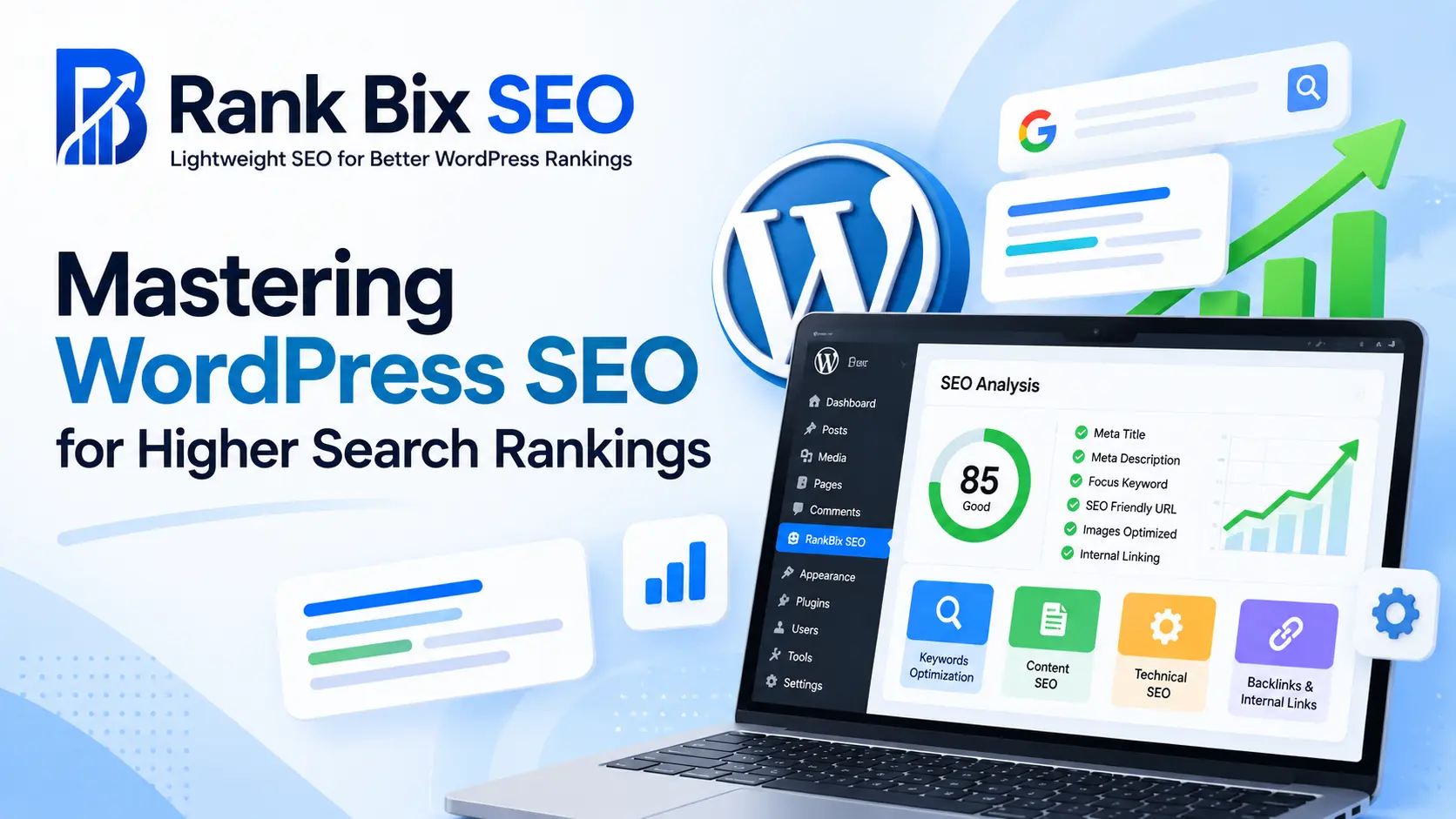
Mastering WordPress SEO is the most reliable way to drive consistent, organic traffic to your website without constantly paying for ads. While WordPress is naturally search-engine friendly right out of the box, reaching the top of Google results requires a strategic approach to both content and backend configuration.
In this comprehensive guide, you will learn how to build a rock-solid foundation for your site, execute proven on-page optimization tactics, and fix hidden technical bottlenecks. We will also explore advanced strategies like internal linking, schema markup, and continuous performance tracking to ensure your rankings climb and stay there.
Understanding the Foundation of WordPress SEO
Before you optimize individual pages, your WordPress site needs a clean infrastructural foundation. Search engines rely on crawlability and indexability, meaning if a bot cannot easily navigate your site, it cannot rank your content.
Start by configuring your search engine visibility settings. Go to your WordPress reading settings and ensure that the box discouraging search engines from indexing your site is unchecked. Next, set up clean permalinks. Avoid default URL structures that use question marks and numbers. Instead, navigate to Settings > Permalinks and select the Post name structure. This ensures your URLs are readable and include relevant terms naturally.
You also need to establish a secure environment by installing an SSL certificate. Google prioritizes HTTPS websites in its algorithm. Once installed, make sure all your HTTP URLs automatically redirect to HTTPS so you do not dilute your ranking power.
On-Page Optimization Best Practices
On-page optimization involves tailoring your content and HTML source code to target specific search queries. Every single post or page you publish should be built with intent.
Focus on these core on-page elements:
- Search Intent: Understand what the user wants when they type a query. If they want a tutorial, write a step-by-step guide. If they want a product, build a comparison page.
- Title Tags and Meta Descriptions: Keep your titles under 60 characters and include your primary search term near the front. Write compelling meta descriptions under 160 characters to boost your click-through rates.
- Header Hierarchy: Use only one H1 tag per page, usually reserved for the main title. Break up your content logically using H2 and H3 tags to help search engines understand your subtopics.
- Image Optimization: Compress every image before uploading to reduce file sizes, and always write descriptive alt text using relevant keywords.
Technical SEO and Site Performance
Even the best content will struggle to rank if your website is slow or plagued by technical errors. Site performance is a confirmed ranking factor, especially with Google’s emphasis on Core Web Vitals.
To maximize your technical performance, implement these practices:
- Choose a fast, reliable hosting provider instead of cheap shared hosting that overloads servers.
- Install a lightweight caching plugin to generate static HTML files and reduce server response times.
- Minify your CSS, JavaScript, and HTML files to remove unnecessary characters and speed up browser rendering.
- Keep your WordPress core
Understanding the Foundation of WordPress SEO
Mastering WordPress SEO begins with understanding how search engines interact with your content. When Google or Bing sends automated bots to your site, they first crawl your pages by following internal and external links. Once they fetch your code, they attempt to render and index the content, storing it in a massive database to serve to users later. WordPress naturally creates a clean code structure that search bots love, but default settings rarely suffice for top-tier rankings.
To give your site the competitive edge it needs, you must rely on a streamlined toolkit. Choosing a clean, lightweight SEO plugin like Rank Bix SEO ensures that your site stays fast while giving you absolute control over metadata, sitemaps, and search visibility. Unlike bloated alternatives that slow down your server response times, a lightweight plugin executes tasks efficiently, keeping your core Web Vitals pristine.
Finally, establish a clean permalink structure before publishing any content. Navigate to your WordPress settings and select the Post name option. This transforms messy URL strings into readable, keyword-rich paths that build topical authority and improve click-through rates directly on the search engine results pages.
On-Page Optimization Best Practices
Achieving top search rankings starts directly on your pages, where mastering WordPress SEO means writing for humans first and search engines second. When you integrate your target phrases into your content, placement matters just as much as frequency. Always include your main topic naturally within your SEO title tag, your primary heading, and the opening paragraph so readers immediately know they are in the right place.
Crafting Meta Descriptions That Win Clicks
Your meta description acts as your organic ad copy in search results. While it does not directly influence rankings, a compelling snippet drastically improves your click-through rate. Write summaries between 150 and 160 characters that highlight a specific benefit or answer a burning question.
Structuring Content with Hierarchy
Search engines and readers rely on clear content architecture to understand your articles. Proper header tags guide the eye and improve accessibility.
- Use H2 tags for main sections and primary subtopics.
- Use H3 tags to break down complex ideas within those sections.
- Keep your paragraphs short and focused to maintain high reader engagement.
By organizing your text logically, you make your site far more attractive to both users and crawlers.
Technical SEO and Site Performance
Technical SEO and Site Performance
When you are serious about WordPress SEO, your site’s underlying infrastructure matters just as much as your written content. Search engines crawl billions of pages daily, and they favor websites that load instantly and offer a frictionless technical experience. Page loading speed directly dictates bounce rates and mobile user satisfaction, making performance optimization a core ranking factor.
To keep your site lightweight and fast, you should avoid heavy, multi-purpose plugins that slow down your server response times. Instead, manage your XML sitemaps and robots.txt files efficiently through a streamlined solution. A clean sitemap helps search bots discover new content rapidly without wasting your crawl budget.
Technical maintenance also requires vigilance regarding broken links and 404 errors. When users or search engine spiders hit a dead end, it ruins the browsing experience and wastes valuable link equity. To protect your rankings, incorporate these practices into your routine:
- Monitor server error logs weekly to catch unexpected 404 errors before they hurt your traffic.
- Implement permanent 3D redirects whenever you delete or move an old URL to preserve authority.
- Keep your robots.txt file lean, explicitly blocking only administrative directories and staging sites.
- Audit your media library and theme files to remove unused scripts that cause render-blocking delays.
Mastering these technical details ensures that your site remains lightning-fast, fully indexable, and primed for sustained organic growth.
Leveraging Internal Linking and Schema
Leveraging Internal Linking and Schema
Mastering WordPress SEO goes beyond basic keyword placement. You need to guide both users and search engine crawlers through your content effectively. A strategic internal linking structure distributes link equity across your site, helping Google understand which pages matter most. Instead of random links, connect related articles logically. For example, if you publish a guide on keyword research, link it back to your pillar article on foundational WordPress SEO.
Breadcrumbs are another essential navigation tool. They show users their exact location within your site hierarchy and provide search engines with a clear path of your site architecture. Most SEO plugins make enabling breadcrumbs simple.
To capture valuable real estate in search results, implement structured data, or schema markup. Schema helps search engines understand the context of your content, making your pages eligible for rich snippets like star ratings, FAQs, or event details.
- Link older posts to newly published, relevant content
- Use descriptive anchor text instead of generic phrases
- Enable breadcrumbs for enhanced crawlability
- Add schema markup to product, review, or article pages
When you combine a strong internal linking framework with clean schema, you give search engines the exact signals they need to reward your WordPress site with higher visibility.
Measuring Success with Analytics and Audits
Getting your site live is only half the battle. True mastery of WordPress SEO requires continuous tracking and refinement based on hard data rather than guesswork.
Connect Google Search Console
If you want to know how your pages perform in the wild, Google Search Console is your most valuable asset. It reveals the exact search queries bringing visitors to your site, your average click-through rate, and your keyword impressions.
Conduct Regular Technical Audits
Even well-optimized sites develop issues over time. Routine technical audits help you uncover hidden bottlenecks before they tank your rankings. Look out for:
- Broken internal or external links that create frustrating dead ends for users
- Accidentally noindexed pages blocking search engine crawlers
- Core Web Vitals regressions caused by newly installed plugins
- Duplicate content issues generated by unoptimized tag archives
Data-Driven Adjustments
Stop guessing what your audience wants and let your analytics guide your next moves. Review your Search Console data monthly to identify pages sitting on the second page of Google. These are your easiest optimization wins. Add fresh content, improve your headings, and strengthen your internal links to push those pages into the top three spots.
Frequently Asked Questions
What is the best way to start with WordPress SEO?
The best way to start is by installing a lightweight SEO plugin like Rank Bix SEO to handle your sitemaps, meta tags, and technical basics. Next, ensure your permalink structure is clean, conduct keyword research for your niche, and focus on publishing high-quality, original content consistently.
Do heavy SEO plugins slow down my WordPress site?
Yes, many traditional SEO plugins come packed with heavy scripts, unnecessary modules, and database bloat that can significantly slow down your page load times. Using a streamlined, lightweight plugin ensures your site remains fast and responsive for visitors and search engine crawlers alike.
How often should I update my SEO strategy?
You should review your analytics and keyword performance monthly, while conducting a comprehensive technical SEO audit every quarter. Search engine algorithms change frequently, so keeping your content fresh, fixing broken links, and adapting to new best practices is essential for sustained growth.
Conclusion
Mastering WordPress SEO requires a holistic approach that covers everything from your core setup to deep technical audits. Throughout this guide, we explored how to build a solid foundation, optimize on-page elements, fine-tune site performance, leverage schema and internal linking, and measure your growth. Improving your search rankings is not an overnight fix, but rather an ongoing commitment to best practices. Your one clear next step is to install a lightweight SEO tool like Rank Bix SEO to audit your current site, fix hidden technical issues, and start optimizing your content today for better WordPress rankings.