10 Common WordPress SEO Mistakes That Hurt Rankings

10 Common WordPress SEO Mistakes That Hurt Rankings
X LinkedIn Facebook

Many WordPress websites struggle to rank not because of a lack of effort, but because of avoidable SEO mistakes. Optimizing your WordPress website for search engines can make a huge difference in traffic, visibility, and conversions. Yet, even experienced site owners often make simple SEO mistakes that quietly hurt their rankings. From missing meta titles to poorly structured content, these errors can prevent Google from understanding your site fully, which impacts how your pages appear in search results. In this post, we’ll uncover the 10 most common WordPress SEO mistakes and show you practical ways to fix them, helping your website reach its full search potential.

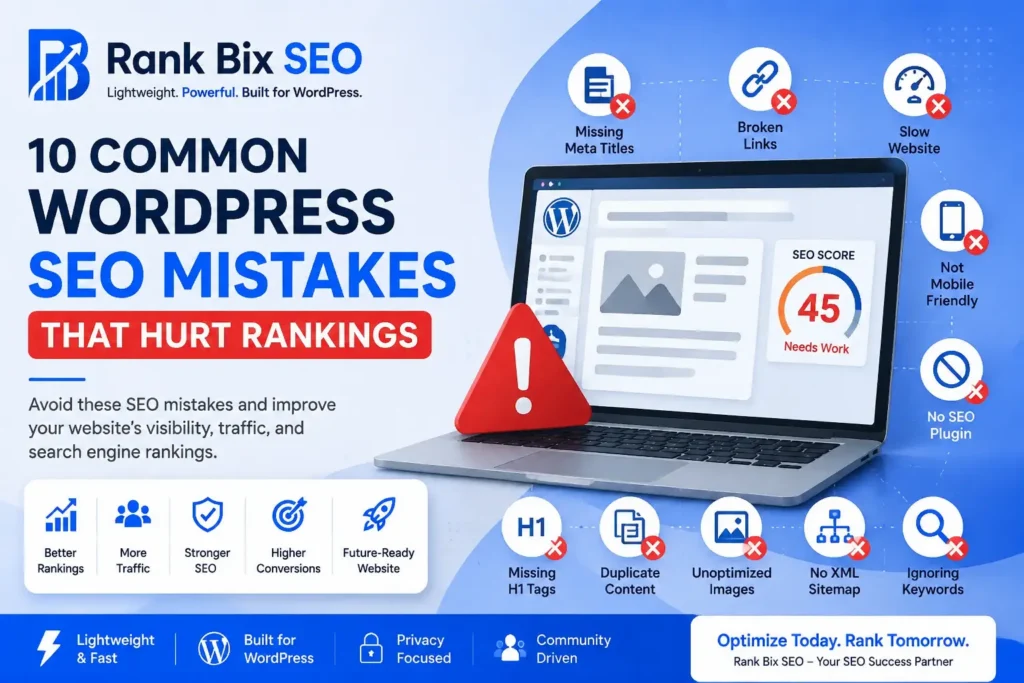
Here are ten common mistakes that can negatively impact your rankings.

1. Ignoring Meta Titles and Descriptions

Missing or poorly optimized metadata can reduce visibility and click-through rates.

2. Publishing Thin Content

Pages with little value often struggle to rank.

Focus on creating comprehensive and helpful content.

3. Slow Website Performance

Users expect fast-loading websites.

Slow websites can increase bounce rates and reduce engagement.

4. Missing Image Alt Text

Alt text helps search engines understand images and improves accessibility.

5. Poor Internal Linking

Without internal links, search engines may have difficulty discovering important pages.

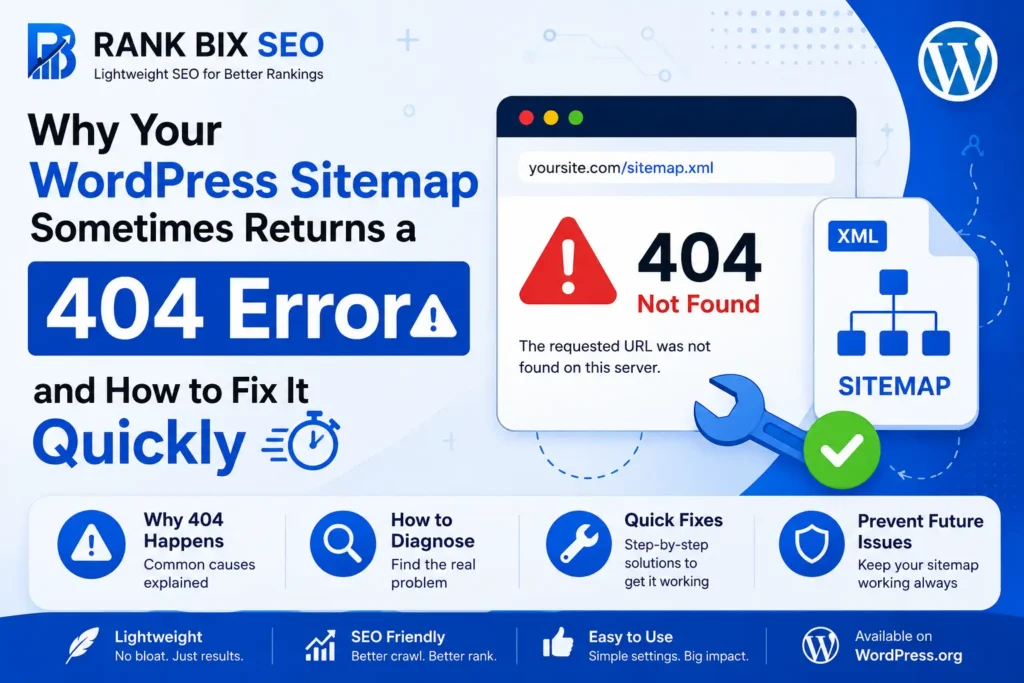
6. Not Using XML Sitemaps

Sitemaps help search engines crawl and index your content efficiently.

7. Ignoring Mobile Users

Mobile-first indexing makes responsive design more important than ever.

8. Duplicate Content Issues

Duplicate pages can confuse search engines and dilute ranking signals.

9. Missing Structured Data

Schema Markup helps search engines better understand your content.

10. Neglecting Technical SEO

Broken links, crawl errors, and indexing issues can impact search performance.

How to Avoid These Mistakes

Regular SEO audits, content updates, and technical maintenance help identify problems before they affect rankings.

Final Thoughts

SEO success comes from consistency and attention to detail.

Avoiding these common WordPress SEO mistakes can help improve visibility, increase organic traffic, and create a better experience for your visitors.

Start with small improvements and continue optimizing over time for the best long-term results.

What Is Schema Markup and Why Does Your Website Need It?

Sumit Singh

I am a WordPress Project Manager and open-source contributor with 12+ years of experience in WordPress development, SEO, and website management. I actively contribute to the WordPress community, mentor new contributors, and share practical insights to help individuals and businesses build better websites and grow online. I am passionate about open-source collaboration, continuous learning, and giving back to the community that has played a significant role in my personal and professional journey.

Ready to Improve Your WordPress SEO?

Optimize your website with Rank Bix SEO and improve your search rankings with powerful, lightweight SEO tools.

Get Started Free

What Is Schema Markup and Why Does Your Website Need It?

Understanding Schema Markup
X LinkedIn Facebook

Have you ever noticed search results that display star ratings, FAQs, product details, or breadcrumbs? These enhanced listings are often powered by Schema Markup.

Schema Markup is a form of structured data that helps search engines better understand your content.

What Is Schema Markup?

Schema Markup is code added to your website that provides additional information about your content.

It helps search engines understand:

Why Is Schema Important?

Schema provides context for your content and can improve how your pages appear in search results.

Benefits include:

Better Search Visibility

Structured data helps search engines understand your content more accurately.

Rich Results

Schema can enable enhanced search listings such as:

Improved Click-Through Rates

Rich search results often attract more attention and clicks.

Common Types of Schema

Article Schema

Used for blog posts and news articles.

FAQ Schema

Displays frequently asked questions directly in search results.

Product Schema

Provides information about products, pricing, and availability.

Breadcrumb Schema

Helps users and search engines understand site structure.

Organization Schema

Identifies your business or brand.

How to Add Schema to WordPress

Schema can be added manually or through SEO plugins.

Many website owners prefer using SEO plugins because they simplify implementation and maintenance.

Does Schema Improve Rankings?

Schema itself is not a direct ranking factor.

However, it can improve search visibility, user experience, and click-through rates, which contribute to overall SEO success.

Final Thoughts

Schema Markup is an essential part of modern SEO. It helps search engines understand your content and can enhance how your pages appear in search results.

Implementing structured data is one of the simplest ways to strengthen your SEO foundation and improve visibility.

Sumit Singh

I am a WordPress Project Manager and open-source contributor with 12+ years of experience in WordPress development, SEO, and website management. I actively contribute to the WordPress community, mentor new contributors, and share practical insights to help individuals and businesses build better websites and grow online. I am passionate about open-source collaboration, continuous learning, and giving back to the community that has played a significant role in my personal and professional journey.

Ready to Improve Your WordPress SEO?

Optimize your website with Rank Bix SEO and improve your search rankings with powerful, lightweight SEO tools.

Get Started Free

Why Website Speed Matters for SEO in 2026

Why Website Speed Matters for SEO in
X LinkedIn Facebook

When it comes to SEO, many website owners focus on keywords, backlinks, and content. While these factors are important, website speed continues to play a critical role in search engine rankings and user experience.

A fast-loading website not only helps visitors find information quickly but also sends positive signals to search engines like Google.

The Impact of Website Speed on SEO

Search engines aim to provide users with the best possible experience. If a website loads slowly, visitors are more likely to leave before engaging with the content.

A faster website can help:

Common Causes of Slow WordPress Websites

Many WordPress websites become slow due to:

Large Images

Uploading unoptimized images can significantly increase page load times.

Excessive Plugins

Using too many plugins or poorly coded plugins can affect website performance.

Poor Hosting

Your hosting provider plays a major role in website speed.

Unoptimized Themes

Heavy themes with unnecessary scripts and styles can slow down your website.

Simple Ways to Improve Website Speed

Optimize Images

Compress images before uploading them to WordPress.

Use Caching

Caching helps serve content more efficiently to visitors.

Minify CSS and JavaScript

Reducing file sizes can improve loading times.

Choose Reliable Hosting

Investing in quality hosting can have a significant impact on performance.

Keep WordPress Updated

Regular updates improve security, compatibility, and performance.

Speed and SEO Work Together

Website speed and SEO are closely connected. Even the best content can struggle to perform if visitors leave due to slow loading times.

By focusing on performance improvements, website owners create a better experience for both users and search engines.

How Rank Bix SEO Helps

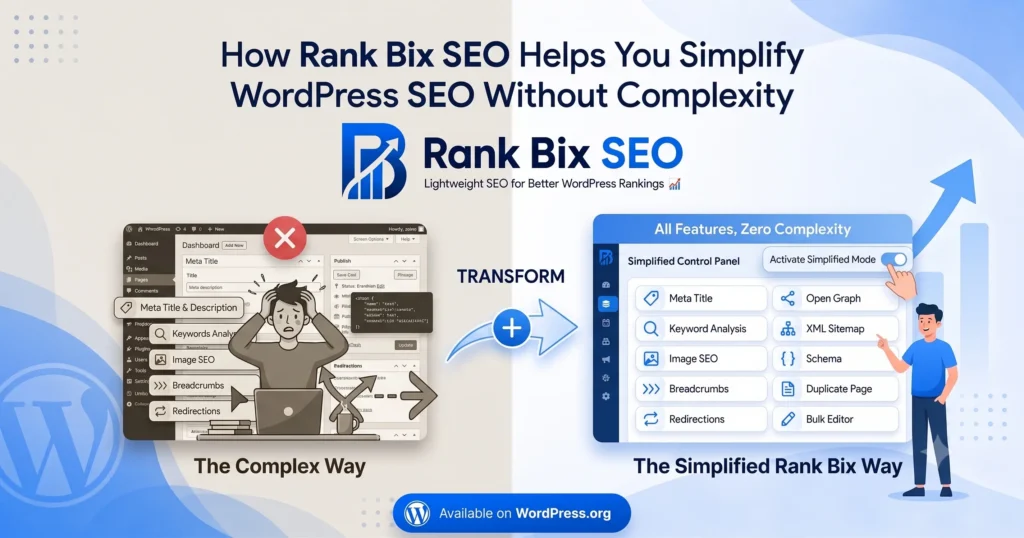
At Rank Bix SEO, we believe SEO tools should support website growth without adding unnecessary complexity or overhead.

Our goal is to provide essential SEO features in a lightweight and user-friendly solution, helping WordPress users focus on creating great content and improving their visibility online.

Final Thoughts

SEO success is built on a strong foundation. Fast-loading websites provide better user experiences, support higher engagement, and contribute to long-term search visibility.

Whether you’re running a blog, business website, or online store, investing in website performance is one of the smartest SEO decisions you can make.

Sumit Singh

I am a WordPress Project Manager and open-source contributor with 12+ years of experience in WordPress development, SEO, and website management. I actively contribute to the WordPress community, mentor new contributors, and share practical insights to help individuals and businesses build better websites and grow online. I am passionate about open-source collaboration, continuous learning, and giving back to the community that has played a significant role in my personal and professional journey.

Ready to Improve Your WordPress SEO?

Optimize your website with Rank Bix SEO and improve your search rankings with powerful, lightweight SEO tools.

Get Started Free

The Complete WordPress SEO Checklist for 2026

Complete WordPress SEO Checklist
X LinkedIn Facebook

Search engine optimization is one of the most effective ways to grow your website traffic. Whether you’re running a blog, business website, or online store, following SEO best practices can help improve your visibility in search results.

Use this WordPress SEO checklist to ensure your website is fully optimized for 2026.

1. Use SEO-Friendly URLs

Keep your URLs short, descriptive, and keyword-focused.

Good Example:
yourdomain.com/wordpress-seo-checklist

Avoid:
yourdomain.com/?p=123

2. Optimize Meta Titles

Your title tag is often the first thing users see in search results.

Tips:

3. Write Effective Meta Descriptions

Meta descriptions can improve click-through rates.

Tips:

4. Create High-Quality Content

Content remains one of the strongest SEO factors.

Focus on:

5. Improve Website Speed

Fast websites provide a better user experience and support SEO efforts.

Consider:

6. Optimize Images

Image SEO is often overlooked.

Best practices:

7. Implement Schema Markup

A schema helps search engines understand your content and may generate rich results.

Common schema types:

8. Generate XML Sitemaps

XML sitemaps help search engines discover and index your content efficiently.

9. Build Internal Links

Internal linking improves navigation and distributes SEO value across your website.

10. Ensure Mobile Friendliness

Most users browse on mobile devices. Responsive design is essential.

11. Secure Your Website with HTTPS

HTTPS improves trust and is considered a ranking signal.

12. Monitor Performance Regularly

Track rankings, traffic, and technical issues using SEO tools and analytics.

Final Thoughts

SEO is not a one-time task. Consistently following this checklist will help improve your website’s visibility, user experience, and long-term search performance.

Rank Bix SEO helps simplify many of these tasks so you can focus on creating valuable content and growing your online presence.

Sumit Singh

I am a WordPress Project Manager and open-source contributor with 12+ years of experience in WordPress development, SEO, and website management. I actively contribute to the WordPress community, mentor new contributors, and share practical insights to help individuals and businesses build better websites and grow online. I am passionate about open-source collaboration, continuous learning, and giving back to the community that has played a significant role in my personal and professional journey.

Ready to Improve Your WordPress SEO?

Optimize your website with Rank Bix SEO and improve your search rankings with powerful, lightweight SEO tools.

Get Started Free

Rank better with a lighter SEO stack.

Install Rank Bix SEO in seconds - no account, no upsell, no bloat.

Download for Free →