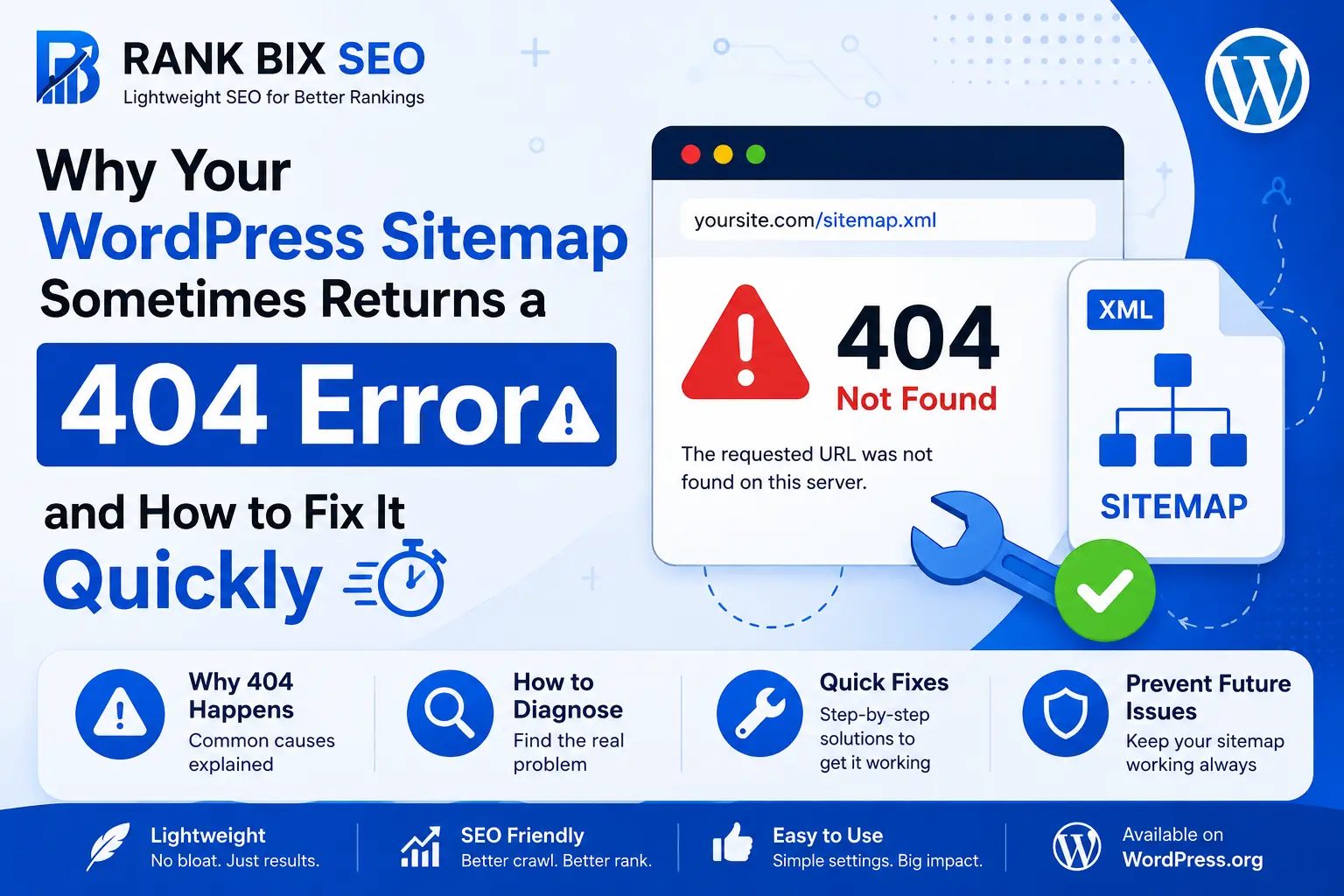
Sitemaps are a critical part of SEO, helping search engines like Google and Bing understand your website structure and index content efficiently. Yet, many WordPress users occasionally face a frustrating problem: visiting the sitemap URL (e.g., https://yoursite.com/sitemap_index.xml) returns a 404 Not Found error.
This can be alarming, especially when you’ve invested time in creating quality content. Fortunately, in most cases, the solution is straightforward.
Why the Sitemap Shows a 404 Error
The most common reason a sitemap returns a 404 is related to WordPress permalinks. Sitemaps rely on rewrite rules generated by WordPress to create clean URLs. After updating a plugin, changing themes, or migrating your website, these rules can become outdated or missing, causing the sitemap URL to break temporarily.
Other contributing factors may include:
- Conflicting SEO plugins or caching plugins
- Misconfigured
.htaccessor NGINX rewrite rules - Disabled sitemap settings in your SEO plugin (such as Rank Bix SEO, Yoast SEO, or Rank Math)
Quick Fix: Refresh Your Permalinks
The easiest and fastest way to fix a sitemap 404 error is:
- Navigate to WordPress Dashboard → Settings → Permalinks
- Click Save Changes without modifying anything
This action forces WordPress to regenerate rewrite rules, often restoring your sitemap immediately.
Pro Tips for Maintaining a Healthy Sitemap
- Clear Cache: If you’re using caching plugins or server-side caching, clear all caches after refreshing permalinks.
- Check SEO Plugin Settings: Ensure your sitemap feature is enabled in your SEO plugin (Rank Bix SEO includes sitemaps out of the box).
- Verify Rewrite Rules: For Apache servers, check your
.htaccessfile; for NGINX, verify that URL rewrites are configured correctly. - Monitor Sitemap Accessibility: Occasionally check your sitemap URL to make sure it’s accessible to search engines.
Conclusion
A 404 error on your sitemap is usually not a sign of a critical problem. In most cases, simply saving your permalink settings resolves the issue. Combined with clear caching and proper plugin configuration, your WordPress sitemap will remain fully functional, ensuring Google and other search engines can crawl and index your website efficiently.
By following these simple steps, you can maintain a healthy sitemap, improve indexing speed, and support higher search rankings – all without unnecessary troubleshooting.
Rank Bix SEO – The All-in-One WordPress SEO Plugin (Free & Pro)
Replace 4 Popular WordPress Plugins Effortlessly Using Rank Bix SEO