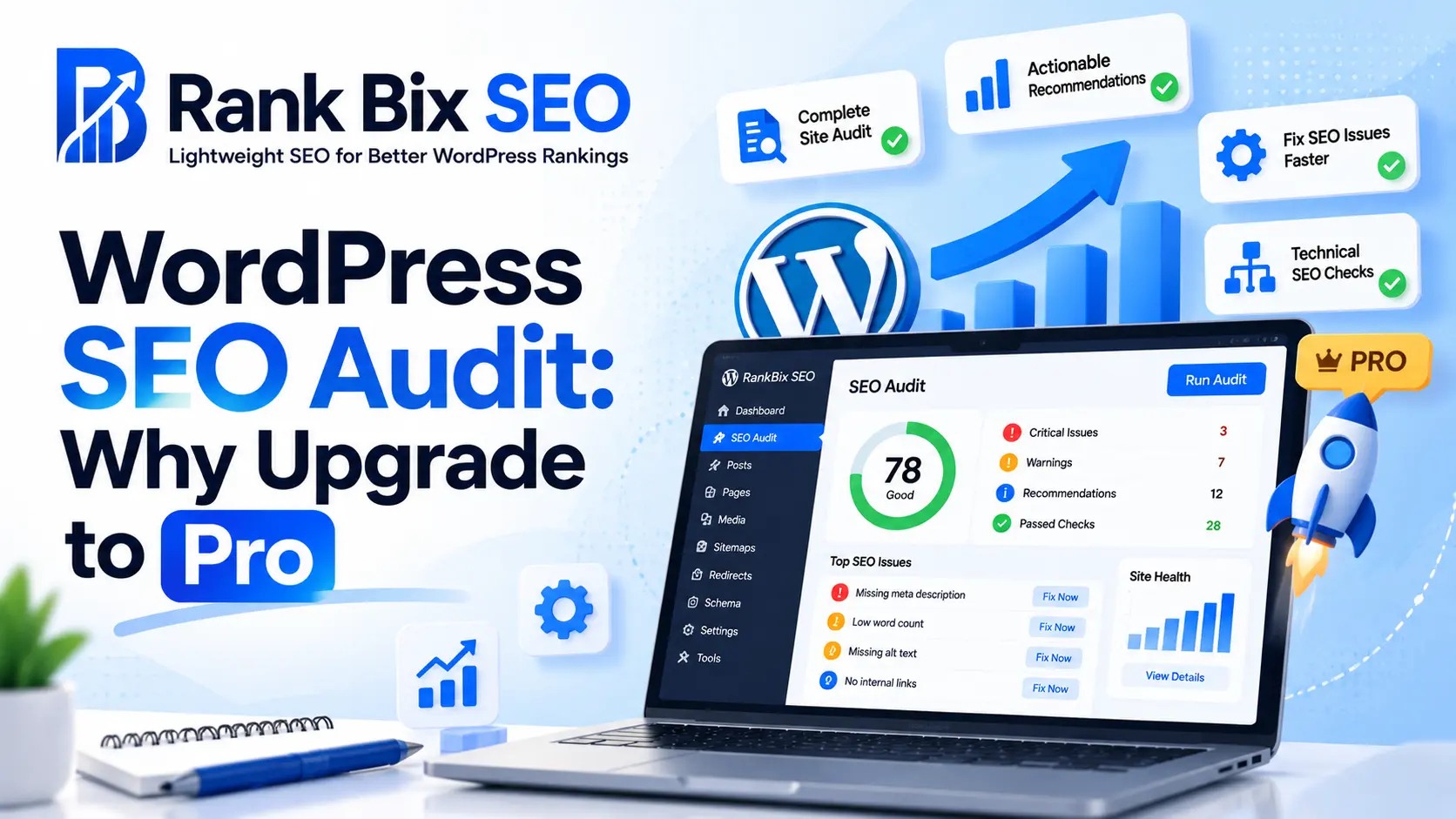
Running a comprehensive WordPress SEO Audit is the only way to uncover the technical bottlenecks, broken links, and optimization gaps that are quietly holding your website back from ranking on page one. While free diagnostic tools give you a surface-level overview of your site health, growing websites and professional agencies eventually hit a ceiling where basic checks just are not enough.
In this article, you will learn why moving beyond basic troubleshooting transforms your optimization strategy. We will explore the hidden technical flaws that only deep crawlers can find, the power of automated schema validation, how to track historical content performance, and the agency-grade features you need to scale your SEO workflow efficiently.
Understanding the Limits of Basic Site Checks
Starting a WordPress SEO Audit using free tools and basic plugins is a smart first step for any site owner. These entry-level utilities provide a solid baseline, helping you check individual post titles, verify meta descriptions, and ensure your primary keywords are in place. For a brand new blog or a small portfolio site, this surface-level approach is often enough to get indexing moving in the right direction.
However, basic checks have strict boundaries. They typically scan only the pages you manually submit or the ones currently rendering in a standard browser. Because of this, they frequently miss deep architectural and crawlability issues that live under the hood. Orphaned pages, broken internal redirect chains, and bloated JavaScript rendering errors can silently drain your crawl budget without ever triggering a warning in a basic setup.
As your website grows, manual reviews and sporadic free scans quickly become unsustainable. A scaling business with hundreds of dynamic product pages, categories, and blog posts demands continuous monitoring. Relying on guesswork or outdated spreadsheets leaves your organic traffic vulnerable to sudden algorithm shifts and technical decay.
Deep-Dive Crawling for Hidden Technical Flaws
Running a routine check on your homepage is no longer enough when you need a comprehensive WordPress SEO Audit. Basic plugins often miss structural issues hidden deep within your database. Pro versions utilize advanced crawlers that systematically traverse every single URL on your site, uncovering vulnerabilities that drag down your search performance.
Uncovering Hidden Architecture Issues
Standard checkers usually stop at your published menu links, but a professional-grade crawler digs deeper:
- Orphan Pages: Discover valuable content that lacks internal links, making it nearly invisible to both users and search engines.
- Broken Links: Pinpoint dead internal and external links instantly to prevent frustrating user experiences and lost link equity.
- Redirect Loops and 404s: Automatically detect infinite redirection chains and unwanted error pages that waste valuable search engine resources.
Preserving Your Crawl Budget
Search engine bots allocate a specific amount of attention, known as crawl budget, to your site daily. If bots waste time crawling low-value archives, thin tags, or duplicate pages, your fresh content suffers from delayed indexing. Upgrading allows you to prune these low-value indexable elements and focus bot attention where it matters most.
Advanced Schema Markup and Structured Data Validation
Basic meta tags are no longer enough to stand out in crowded search results. When you perform a comprehensive WordPress SEO Audit with the Rank Bix SEO Pro plugin, you unlock rich snippet automation that goes far beyond standard titles and descriptions. This ensures search engines instantly understand the context of your content.
Complex schema types require precise implementation to qualify for special search features. The Pro version allows you to easily validate and deploy advanced structured data, including:
- Local business schemas to dominate local map packs.
- Product markup with pricing, stock status, and review ratings.
- Author types to build strict E-E-A-T signals for your brand.
Faulty code can cause Google to drop your rich results entirely. Automated validation tools flag missing properties or syntax errors instantly during your WordPress SEO Audit. Fixing these issues proactively protects your visibility and prevents manual penalties before they impact your organic traffic.
Automated Content Audits and Historical Tracking
Running a single website check gives you a snapshot of your current optimization state, but SEO is a moving target. Conducting a comprehensive WordPress SEO Audit requires ongoing observation to understand how your changes impact search visibility over time. Free tools show you where you stand today, but they rarely tell you the story of how your rankings got there.
Rank Bix Pro introduces robust historical tracking that changes how you monitor performance. Here is how automated content audits and historical data empower your optimization strategy:
- Track keyword ranking fluctuations: Monitor your target terms over custom date ranges to spot seasonal trends or sudden algorithm impacts.
- Identify decaying content: Pinpoint pages experiencing a steady drop in organic traffic so you can refresh them before they lose page-one status.
- Compare performance metrics: Evaluate exact pre- and post-optimization data to prove the tangible value of your recent content updates and structural fixes.
By automating these checks, your WordPress SEO Audit evolves from a routine maintenance chore into an intelligence-gathering engine. You stop guessing which updates worked and start relying on clear historical metrics to guide your editorial calendar.
Scaling Client Workflows with Agency-Grade Features
When you manage multiple WordPress websites for clients, efficiency directly impacts your agency’s profitability. Running a manual WordPress SEO Audit for every single site every month eats up billable hours that could be spent on strategy or outreach. The Pro tier of Rank Bix eliminates this bottleneck by introducing agency-grade tools built specifically for scaling operations without expanding your headcount.
Centralize and Automate Your SEO Operations
Growth requires systems that run in the background. Here is how upgrading to Pro transforms your agency workflow:
- Centralized Dashboard: Monitor the health, rankings, and critical errors of dozens of client sites from a single master interface instead of logging into individual WordPress dashboards.
- White-Label Reports: Generate professional, branded PDF reports featuring your agency logo and custom color schemes to impress stakeholders and prove the ongoing ROI of your retainers.
- Automated Health Alerts: Set up scheduled weekly or monthly notifications that alert your team to broken links, drops in indexation, or schema errors before your clients even notice them.
By automating routine technical checks and streamlining client communication, your team can handle a higher volume of projects while delivering enterprise-level reporting consistency.
Frequently Asked Questions
What is the difference between free and pro WordPress SEO audits?
Free audit tools typically check basic on-page elements like title tags and meta descriptions. Pro audit features dive much deeper into technical site architecture, automated crawl diagnostics, bulk schema validation, and historical performance tracking that standard free plugins often omit.
How often should I run a comprehensive SEO audit on my WordPress site?
You should run a comprehensive technical audit at least once a month. However, for large e-commerce stores, membership platforms, or sites publishing daily content, automated weekly crawls are recommended to catch broken links and schema errors immediately.
Can Pro audit tools help me recover from a traffic drop?
Yes. Pro audit features quickly pinpoint sudden issues such as accidental noindex tags, broken internal redirect chains, core web vitals degradation, or lost structured data, allowing you to take corrective action and restore your organic traffic.
Take Your Optimization Further
A comprehensive WordPress SEO Audit is no longer just about checking title tags and meta descriptions. While basic site checks provide a solid foundation, upgrading to Rank Bix SEO Pro unlocks the advanced tools needed to secure top rankings. From deep-dive crawling that uncovers hidden technical flaws to automated historical tracking and agency-grade client workflows, Pro features save you time while driving measurable results.
If you are ready to stop guessing and start scaling your organic traffic with precision, your next step is simple. Head over to WordPress.org, grab your free plugin, and explore the Pro upgrade today to take complete control of your site health.