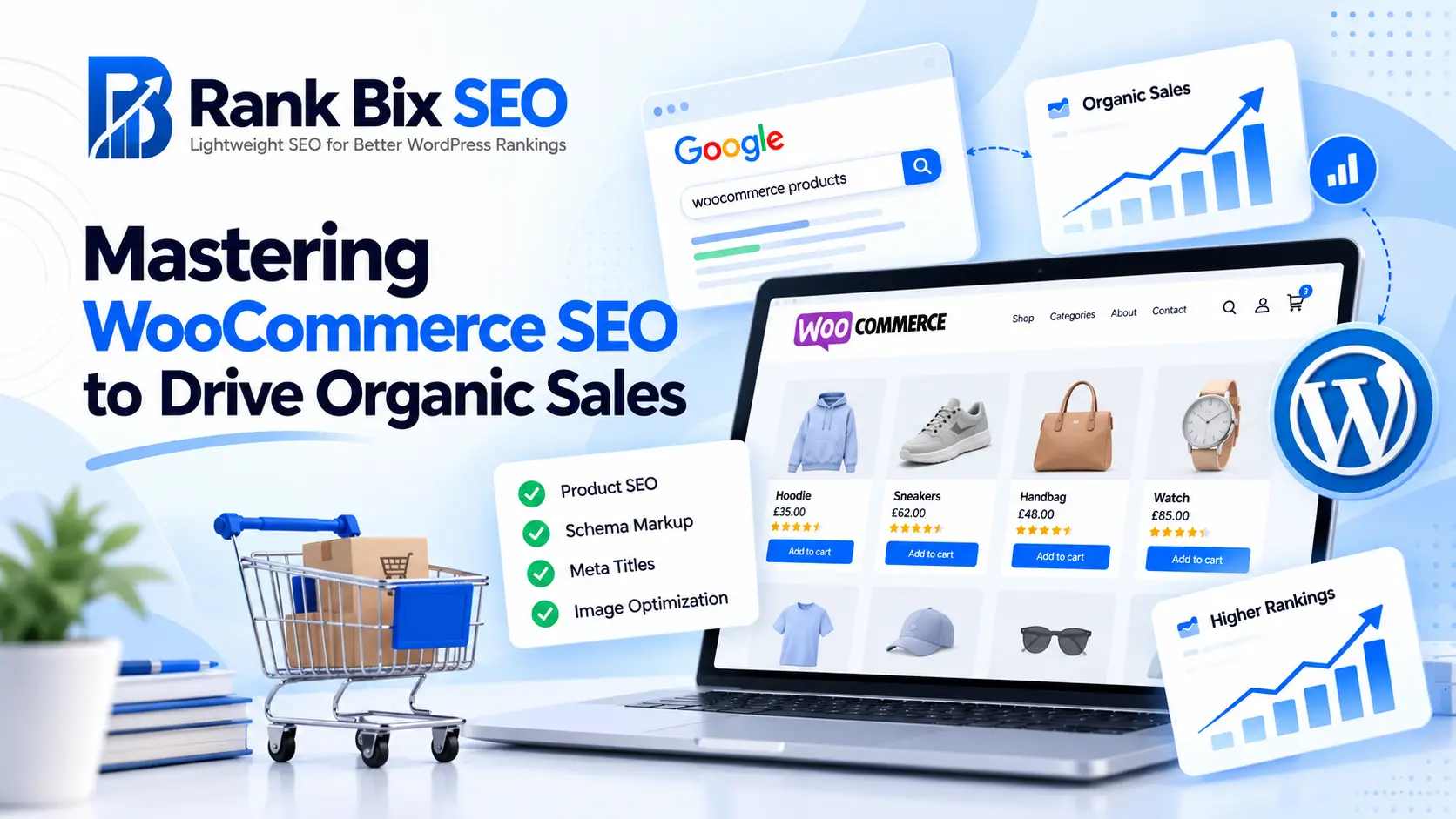
Mastering WooCommerce SEO is the most reliable way to attract high-intent shoppers and drive sustainable organic sales without constantly paying for ads. While WordPress makes setting up an online store effortless, outranking competitors requires a deliberate, targeted optimization strategy tailored specifically to e-commerce.
In this comprehensive guide, you will learn how to optimize your product pages for maximum visibility, structure your categories and URLs for search engines, and drastically improve technical performance. We will also cover how to implement structured data for rich snippets and build internal linking strategies that keep visitors on your site longer and convert browsers into buyers.
Optimizing Product Pages for Maximum Visibility
Your product pages are where conversions happen, making them the most critical components of your WooCommerce SEO strategy. Generic manufacturer descriptions will trap you in a sea of duplicate content penalties, so crafting unique, benefit-driven product descriptions is essential.
Start by targeting long-tail keywords that reflect actual buyer intent. Instead of optimizing a running shoe for just “running shoes,” target “lightweight waterproof running shoes for men.” Weave these terms naturally into your product titles, H1 tags, the opening paragraph of your description, and your image alt text.
Product imagery also plays a massive role in visual search and user experience. Compress every image before upload to maintain fast loading times, and use descriptive file names like black-leather-chelsea-boots.jpg instead of IMG_4920.jpg. Finally, incorporate user-generated reviews directly onto the page. Reviews naturally add fresh, keyword-rich content and build the social proof required to boost your conversion rates.
Structuring Categories and URL Architecture
A logical site architecture helps search engine crawlers discover and index your inventory efficiently while giving users a frictionless browsing experience. Your WooCommerce store should feature a flat, predictable URL structure that reflects your product hierarchy.
Avoid overly deep URL paths that bury your products five clicks away from the homepage. A clean structure looks like this:
- Homepage: yourstore.com
- Category page: yourstore.com/product-category/furniture/
- Subcategory page: yourstore.com/product-category/furniture/living-room/
- Product page: yourstore.com/product/modern-velvet-sofa/
Configure your category pages to include unique introductory text rather than just a raw list of products. Search engines cannot rank a blank page effectively, so adding 100 to 200 words of helpful category-level copy helps search engines understand what the page is about. Additionally, implement proper pagination or “Load More” buttons instead of infinite scroll to ensure search bots can crawl every product in your catalog.
Technical Performance and Site Speed
Site speed is a confirmed ranking factor, and for e-commerce, it directly dictates your bottom line. A one-second delay in page load time can drop your conversions by up to seven percent, making technical performance a top priority for WooCommerce SEO.
Because WooCommerce stores rely heavily on dynamic database queries, themes, and plugins, they can easily become bloated. Take these actionable steps to
Optimizing Product Pages for Maximum Visibility
Your product pages are the primary revenue drivers of your online store, making them the most critical element of any successful WooCommerce SEO strategy. If search engines cannot understand what you are selling, or if shoppers find your titles boring, your conversion rates will suffer. Every product page requires deliberate optimization to stand out in crowded search engine results pages.
Crafting Unique and Compelling Product Titles
Never rely on the manufacturer’s default title. Instead, write descriptive titles that combine your primary product name with key attributes like color, size, or material. For example, instead of using “Running Shoes X1,” use “Men’s Lightweight Running Shoes X1 – Black.” This approach targets specific long-tail search queries that high-intent buyers use when they are ready to purchase.
Writing Detailed Product Descriptions with Keywords
Thin content hurts rankings. Write at least 300 words of original copy for your core products. Describe the materials, dimensions, use cases, and benefits. Naturally integrate your focus keyword and related terms within the first paragraph, but prioritize readability and human psychology over search engines.
Utilizing Product Tags and Attributes Correctly
Use WooCommerce attributes (like size and brand) to help shoppers filter items, but watch out for duplicate content. Ensure you use canonical tags correctly. Avoid creating indexable archive pages for every minor tag variation, as this dilutes your overall site authority.
Structuring Categories and URL Architecture
Creating a Logical Category Hierarchy
A clean, intuitive category structure is the foundation of effective WooCommerce SEO. It helps both users and search engines navigate your inventory seamlessly. Group products into broad parent categories and drill down into specific subcategories. For example, instead of listing all footwear on one page, organize them as Shoes > Running Shoes > Men’s. This logical grouping distributes link equity naturally and targets valuable mid-tier search queries.
Cleaning Up WooCommerce Permalinks
Default WordPress and WooCommerce URL structures often include unnecessary slugs like /product-category/ or /product/, which bloat your URLs. To maximize your WooCommerce SEO performance, head to your WordPress permalink settings and customize your product URLs. Short, descriptive URLs containing your primary keywords perform significantly better in search results and improve click-through rates.
Managing Pagination to Prevent Duplicate Content
As your product catalogs expand, category pages inevitably split into multiple pages using pagination. Without proper handling, search engines may index these as duplicate content. To prevent ranking dilution, implement canonical tags pointing from paginated pages (like page 2 or 3) back to the main category page, or configure your robots meta tags to allow crawling while managing indexing efficiently.
Technical Performance and Site Speed
Technical Performance and Site Speed
Google evaluates user experience and site speed carefully, making performance a core pillar of any successful WooCommerce SEO strategy. When your online store loads slowly, bounce rates increase and search engine rankings drop. To build a high-performing store, you must start with a lean foundation by choosing lightweight themes and plugins that do not bloat your source code.
Heavy page builders and unnecessary addons drag down performance metrics. Instead, opt for minimalist themes built specifically for speed, and audit your installed plugins regularly to remove dead weight. Every active plugin adds database overhead, which directly impacts how search crawlers experience your store.
To further enhance your WooCommerce SEO performance, focus on these critical areas:
- Image Optimization: Compress product photos using next-generation formats like WebP without sacrificing visual quality, ensuring fast load times on mobile devices.
- Object Caching: Leverage server-level caching solutions like Redis or Memcached to store frequent database queries in memory rather than hitting the database repeatedly.
- Database Cleanup: Regularly clear out expired transients, spam comments, and old order revisions to keep database queries lightning fast.
When your underlying technical infrastructure runs efficiently, search engines can crawl, index, and rank your product inventory with ease.
Implementing Structured Data for Rich Snippets
Search engines thrive on context, and structured data is the language they use to understand your inventory. When it comes to WooCommerce SEO, adding the right schema markup transforms your standard listings into eye-catching rich snippets that display pricing, stock status, and customer reviews directly in the search results.
Adding Product Schema for Pricing and Availability
Product schema tells search engines the exact price, currency, and inventory status of your items. If a product goes out of stock, your markup should reflect that instantly to prevent poor user experiences. Many modern plugins handle this automatically, but you should always verify that key properties are present:
- The exact price and currency code.
- Availability status (such as InStock or OutOfStock).
- Product identifiers like GTIN, SKU, or brand name.
Integrating Review Schema for Star Ratings
Star ratings act as a powerful trust signal that dramatically improves click-through rates from search engine results pages. Integrating review and aggregate rating schema into your product pages allows Google to display those golden stars right next to your listing. Encourage customers to leave detailed feedback so search engines can easily parse the review data and associate it with your merchandise.
Testing Markup Using Google Rich Results Test
Never assume your structured data works out of the box. Once you apply your markup, paste your product URLs into the Google Rich Results Test tool. This utility flags missing properties, syntax errors, or warnings before search engines crawl your updates. Fixing these errors ensures your store is fully optimized to capture high-intent organic traffic.
Internal Linking Strategies for E-commerce
Internal Linking Strategies for E-commerce
A smart internal linking structure distributes “link juice” throughout your online store, helping search engines crawl your catalog efficiently while keeping shoppers engaged longer. Strong internal links are a cornerstone of effective WooCommerce SEO because they show search engine bots how your pages relate to one another.
Start by linking related products directly on individual product pages. Instead of relying solely on default cross-sells, manually curate upsells that genuinely complement the main item. For example, if a customer views a camera body, link directly to compatible lenses and memory cards in a “Frequently Bought Together” section.
Next, implement clear breadcrumb navigation. Breadcrumbs improve user experience by showing visitors their exact location within your catalog hierarchy. Search engines also use breadcrumbs to understand your site architecture, often displaying this path directly in search results to boost click-through rates.
Finally, bridge the gap between informational content and transactional pages by connecting your blog to relevant product categories. When publishing an article about photography tips, link contextually to your lens category or camera bundles. This content-driven approach captures top-of-funnel traffic and guides potential buyers seamlessly toward a purchase.
Frequently Asked Questions
What is the most important part of WooCommerce SEO?
The most critical element is optimizing your product pages with unique titles, descriptive text, and proper schema markup. Search engines rely heavily on this data to understand what you are selling and display your products prominently in relevant user search queries.
How can I fix duplicate content issues in WooCommerce?
Duplicate content often arises from product variations, sorting parameters, and pagination. You can resolve this by implementing proper canonical tags, using robots.txt to block sorting parameters, and ensuring your site structure remains clean and easy for bots to crawl.
Do I need a heavy SEO plugin for my online store?
No, bloated plugins can slow down your checkout process and hurt your rankings. Using a lightweight SEO plugin provides all the essential metadata, schema, and sitemap features you need without adding unnecessary server overhead or negatively impacting your site speed.
Start Growing Your Store Today
Mastering WooCommerce SEO requires a balanced approach combining on-page optimization, clean architecture, and technical excellence. By optimizing your product pages with unique copy, structuring logical categories, maintaining lightning-fast site speed, implementing structured data for rich snippets, and executing a smart internal linking strategy, you build a solid foundation for sustainable organic growth.
Do not try to tackle everything at once. Start by auditing your current product pages and fixing technical bottlenecks.
Your one clear next step is to install a lightweight SEO plugin like Rank Bix SEO to automate your technical audits, streamline your meta tags, and start climbing the search engine rankings today.