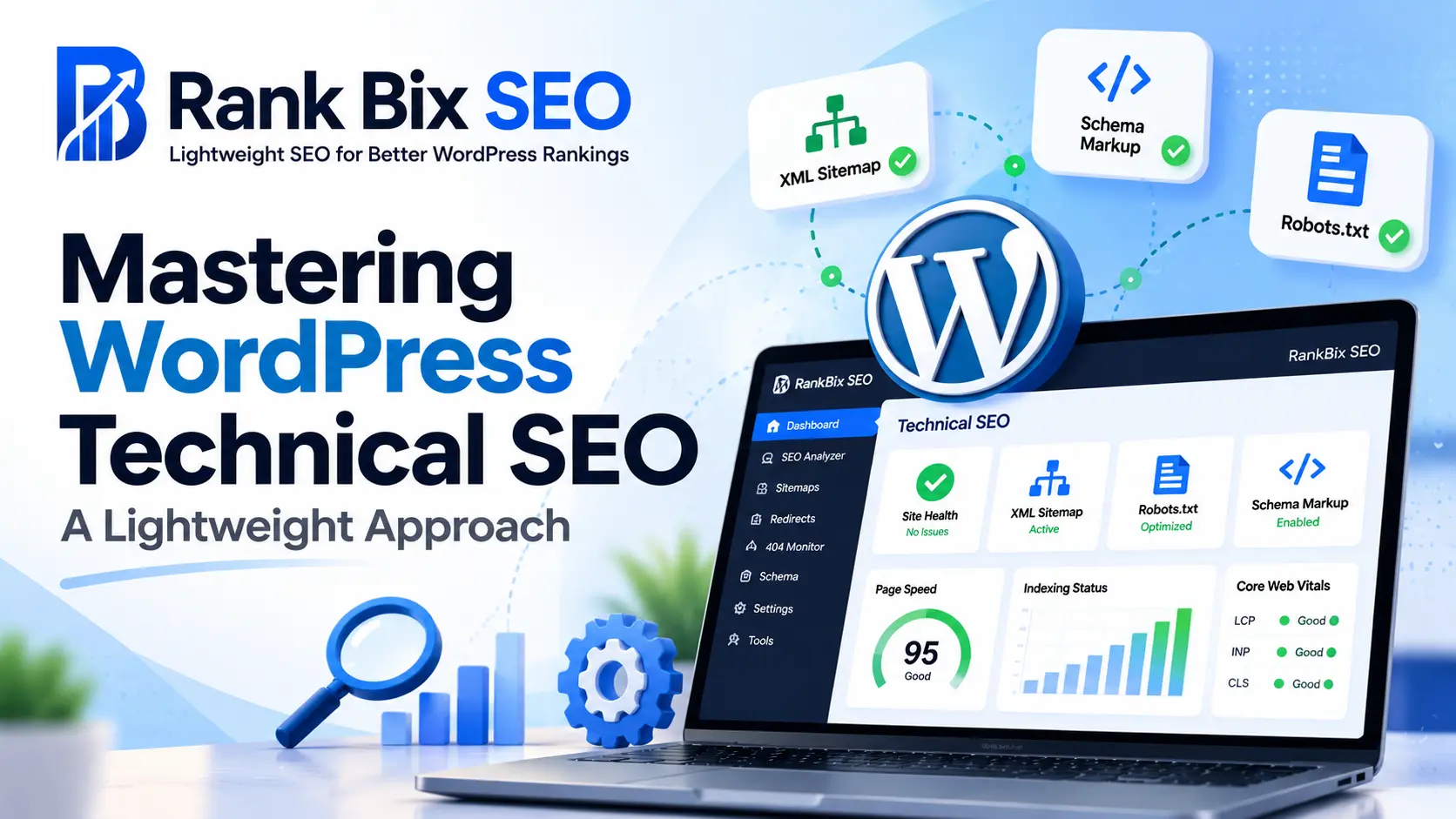
Mastering WordPress Technical SEO doesn’t require an army of bloated plugins or a degree in computer science; it simply demands a smarter, more streamlined strategy. As site owners chase better rankings, they often weigh down their databases with heavy code that slows everything to a crawl. In this guide, you will learn how to optimize your site infrastructure, speed up Core Web Vitals, manage indexation, and clean up broken links using a minimalist approach that pleases both search engines and human visitors.
Understanding WordPress Technical SEO Foundations
Technical SEO acts as the invisible skeleton holding your website together. If search engine crawlers struggle to navigate your database, understand your site hierarchy, or render your pages, your content will fail to rank regardless of how well it is written. WordPress offers a great head start, but out-of-the-box settings rarely maximize crawl efficiency.
A lightweight approach begins with choosing a clean, minimalist theme and minimizing database bloat. Every plugin you install adds database queries, script files, and stylesheet requests. Audit your active plugins and remove anything that isn’t essential to your core user experience or search visibility.
Next, enforce HTTPS across your entire domain to secure user data and satisfy modern ranking signals. Ensure your permalink structure is clean, short, and includes your primary keywords rather than arbitrary post IDs or dates.
Auditing Core Web Vitals and Page Speed
Google’s Core Web Vitals directly measure user experience, focusing on loading performance, visual stability, and interactivity. Heavy page builders and unoptimized image libraries are the primary culprits behind failed performance audits. Fixing these issues requires a surgical approach to asset management.
Test your progress using tools like Google PageSpeed Insights and WebPageTest. Focus heavily on improving your Largest Contentful Paint (LCP) and reducing Cumulative Layout Shift (CLS).
Managing Sitemaps, Robots.txt, and Indexation
Search engines discover your content by crawling your XML sitemap and following internal links. To prevent budget waste—where bots spend time crawling irrelevant URLs—you must take explicit control of your site indexation.
Keep your XML sitemap lean by excluding archive pages, tag pages, and low-value utility pages that offer no unique value to searchers. Use your robots.txt file to block crawlers from accessing sensitive areas, such as your wp-admin directory and backend plugin folders.
Utilize meta robots tags strategically across your site:
- Apply index, follow tags to your cornerstone content, money pages, and blog posts.
- Apply noindex, follow tags to internal search result pages, author archives, and pagination loops to avoid duplicate
Understanding WordPress Technical SEO Foundations
At its core, WordPress Technical SEO involves optimizing the infrastructure of your website so search engine bots can efficiently crawl, parse, and index your content. Without a solid technical foundation, even the most compelling articles and high-quality backlinks will struggle to rank. Crawlability determines whether search engines can access your pages, while indexation decides whether those pages enter the database to be served to users. If bots waste their limited crawl budget navigating sluggish code or blocked paths, your visibility drops.
Many site owners unknowingly sabotage this foundation by installing bloated, multi-purpose plugins. These tools often inject dozens of unnecessary database queries, stylesheets, and scripts into every page load. This extra weight increases Time to First Byte and overwhelms the server, frustrating both human visitors and automated crawlers.
Establishing a streamlined technical baseline ensures search engine bots can easily read your HTML, discover new URLs, and understand your site hierarchy without unnecessary friction. By stripping away heavy code and focusing purely on essential optimization metrics, you create an environment where search engines can index your content rapidly and accurately.
Auditing Core Web Vitals and Page Speed
When mastering WordPress Technical SEO, performance metrics can make or break your search visibility. Google uses Core Web Vitals to measure user experience, with Largest Contentful Paint (LCP) and Cumulative Layout Shift (CLS) acting as critical ranking factors. LCP tracks how fast your main content loads, while CLS measures visual stability. If heavy scripts shift your layout while a user tries to click, your rankings suffer.
Many traditional optimization plugins hurt these metrics by injecting unnecessary JavaScript and CSS across every single page. To fix this frontend bloat:
- Audit your current plugin output using browser developer tools to spot stray stylesheets.
- Disable global script loading for features you do not use on every page.
- Switch to a performance-first alternative that keeps your code footprint minimal.
Utilizing a lightweight plugin eliminates frontend bloat instantly because it strips away redundant database queries and unused code snippets. By removing heavy bloatware, your server responds faster, LCP drops significantly, and unexpected layout shifts disappear entirely, giving your site the clean technical foundation it needs to rank higher.
Managing Sitemaps, Robots.txt, and Indexation
Controlling how search engine crawlers interact with your database is a core pillar of WordPress Technical SEO. Without proper directives, bots waste valuable crawl budget indexing low-value URLs, thin archives, and utility pages that offer zero value to searchers.
Start by configuring your XML sitemap to be highly selective. Include only your primary content types like posts, pages, and high-value custom post types. Exclude the following items to keep your index clean:
- Author archives, especially on single-author websites.
- Date-based archives that frequently trigger duplicate content flags.
- Utility taxonomies, internal tag pages with single posts, and attachment pages.
Next, optimize your robots.txt file to block sensitive and non-essential directories. You must prevent search engines from crawling your wp-admin folder, login pages, and staging environments. A clean robots.txt file protects your server resources and ensures crawlers focus exclusively on your published content.
Finally, implement robust canonical tags to eliminate duplicate content issues. WordPress naturally creates multiple pathways to the same content through category and tag archives. Ensure every page points to its definitive URL using self-referencing canonical links, signaling the exact version you want indexed.
Fixing Broken Links and 404 Error Chains
Broken links and unhandled 404 errors disrupt user experience and waste valuable crawl budget, making link management a critical pillar of WordPress Technical SEO. When search engine bots hit dead ends, your site authority flow stalls, directly impacting your search visibility.
Detecting Dead Links Early
Proactive detection prevents visitors from landing on frustrating error pages. You should regularly scan both internal pathways and external references to catch dead URLs before search engines flag them.
- Identify deleted resources that still receive traffic from old backlinks.
- Check external outbound links to ensure third-party sites haven’t moved their content.
- Prevent link rot from degrading user trust and engagement metrics.
Implementing Strategic 301 Redirects
When you permanently remove or relocate a page, never leave a 404 void. Setting up proper redirects ensures seamless navigation while passing authority to your active URLs.
- Map outdated URLs directly to their most relevant, up-to-date replacement.
- Avoid redirect chains that force browsers and bots through multiple hops.
- Preserve maximum link juice to maintain your keyword rankings.
Monitoring Native Error Logs
You do not need bloated external software to keep track of site errors. Managing your health checks directly inside your WordPress dashboard keeps your workflow fast and efficient.
- Review native 404 error logs weekly to catch sudden traffic drops on specific URLs.
- Address spike patterns caused by mistyped backlinks or recent URL structure changes.
- Keep your technical foundation clean using a lightweight plugin approach that avoids heavy server loads.
Leveraging Lightweight Plugins for Advanced Workflows
Scaling your digital agency requires infrastructure that grows without dragging down server performance. When managing multiple client sites, bloated plugins quickly introduce database overhead and slow down administrative dashboards. Implementing a streamlined approach to WordPress Technical SEO means you can automate routine site audits, schedule health reports, and assign granular user role permissions without adding heavy scripts to your core architecture. Agency workflows stay organized, clients get transparent insights, and server response times remain consistently fast across every managed domain.
Advanced data analysis does not require massive database bloat. Modern optimization strategies rely on modular tools that fetch deep analytical insights while keeping your wp_options table clean and unburdened. By isolating advanced features into dedicated background processes, you avoid the performance penalties associated with monolithic SEO suites.
Switching platforms is often perceived as risky, but migrating from heavy, all-in-one solutions to a lightweight alternative is straightforward when you use the right process. You can transition your metadata, redirection rules, and schema markup safely by following these key steps:
- Export your current SEO settings, titles, descriptions, and redirection rules as a CSV or XML file.
- Install a streamlined, free-forever plugin designed to handle your core technical needs without database bloat.
- Import your legacy data into the new framework using built-in migration tools.
- Verify your XML sitemaps and search console integrations to ensure zero downtime or lost indexation during the transition.
Frequently Asked Questions
What makes an SEO plugin lightweight for WordPress?
A lightweight SEO plugin avoids bloating your database with thousands of autoloaded options, strips out unnecessary frontend scripts, and only loads code when necessary. This drastically reduces server response times and improves your overall Core Web Vitals performance scores.
How often should I run a technical SEO audit on WordPress?
You should perform a comprehensive technical audit at least once a month, or immediately after launching major site updates, changing themes, or migrating content. Continuous monitoring tools help catch broken links and indexation errors before they impact rankings.
Can a free SEO plugin handle advanced technical optimizations?
Yes, many core technical SEO tasks—such as XML sitemap generation, meta tag management, and basic robots.txt configuration—can be handled effectively by free tools. Professional or agency features are typically required only for deep automated audits and custom client workflows.
Streamline Your SEO Strategy Today
Mastering WordPress Technical SEO does not require a bloated setup or dozens of conflicting plugins. By focusing on your core foundations, optimizing Core Web Vitals, managing your indexation assets like sitemaps, fixing 404 error chains, and leveraging a streamlined approach, you can drastically improve your search rankings and user experience simultaneously.
Your single clear next step is to install a lightweight SEO plugin that handles all these critical technical tasks in one place without slowing down your database, so you can start auditing your site and fixing performance bottlenecks today.