
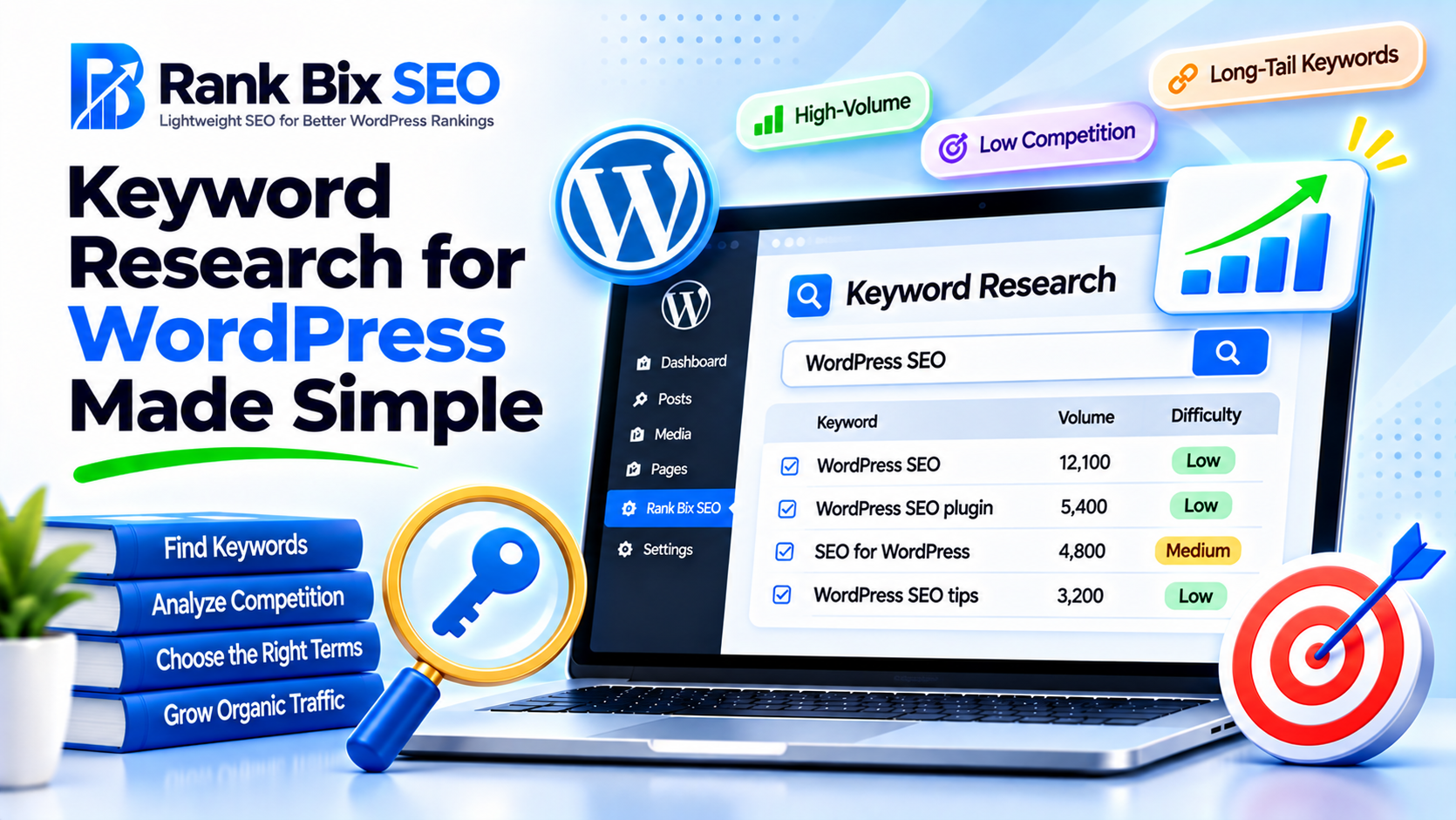
Mastering Keyword Research for WordPress is the single most important step you can take to drive sustainable, organic traffic to your website without spending a dime on ads. If you have ever wondered why your beautifully written blog posts fail to attract visitors, the missing puzzle piece is almost always targeting the right search terms. In this comprehensive guide, you will learn how to decode search intent, unearth high-value topic ideas directly inside your dashboard, analyze your competitors, and place your terms naturally for maximum SEO impact.
Whether you run a lean affiliate site, a local business page, or a sprawling content blog, finding the words your audience uses is the foundation of digital growth. We will also cover how to track your progress using lightweight tools so you can continually refine your strategy. Let us dive into the fundamentals of making your optimization process fast, efficient, and results-driven.
Understanding Keyword Intent for Better Rankings
Before you type a single term into a search bar, you must understand why people are searching. Keyword intent—often called search intent—is the underlying goal of a user when they type a query into a search engine. If your content does not match what the user wants, Google will not rank your page, no matter how many times you repeat your target phrases.
There are four primary types of search intent you need to care about:
- Informational: The user wants to learn something, such as “how to install a WordPress plugin.”
- Navigational: The user wants to find a specific page or site, like “Rank Bix SEO login.”
- Commercial: The user is researching options before making a purchase, such as “best SEO plugins for WordPress compared.”
- Transactional: The user is ready to buy or download, like “download Rank Bix SEO Pro.”
When performing keyword research for WordPress, always match your content format to the intent. If a keyword triggers informational results in Google, do not try to rank a product sales page for it. Instead, write an in-depth tutorial or guide that answers the user’s questions thoroughly.
Uncovering High-Value Topic Ideas Directly in WordPress
You do not always need expensive third-party tools to find profitable content ideas. In fact, some of the best keyword opportunities are hiding in plain sight within your own WordPress dashboard, your analytics, and your community interactions.
Here is how you can systematically unearth high-value topic ideas:
- Mine your comment section: Look at the actual questions your readers leave in the comments. These are exact phrases your audience uses to describe their pain points.
- Review internal search logs: If you use a site search plugin on your WordPress blog, check the terms visitors are typing into your internal search bar. This reveals content gaps on your site.
- Analyze Google Search Console: Navigate to your Search Console performance report to find queries where your site already ranks on page two or three. These are low-hanging fruit keywords you can easily optimize for.
- Leverage category brainstorming: Start with your core niche topics and expand them into sub-categories, looking for
Understanding Keyword Intent for Better Rankings
Effective Keyword Research for WordPress goes far beyond finding terms with high search volume; it requires a deep understanding of what searchers actually want. Search intent is the primary goal a user has when typing a query into a search engine. Getting this right is the difference between a page that converts and one that gets bounced immediately.
Informational Versus Transactional Search Intent
Search intent generally falls into two distinct categories that dictate how you should structure your WordPress pages:
- Informational intent: Users are looking for answers, guides, or definitions. Examples include “how to speed up WordPress” or “what is an SSL certificate.” These queries are best met with blog posts, tutorials, and documentation pages.
- Transactional intent: Users are ready to buy, sign up, or take a specific action. Examples include “buy lightweight SEO plugin” or “best hosting for WordPress.” These terms belong on product pages, service pages, or dedicated landing pages.
Aligning Content With Page Types
One of the most common mistakes in WordPress SEO is targeting a transactional keyword with a blog post, or vice versa. If a user searches for a product and lands on a long-form history of that product, they will leave. Google notices this behavior and lowers your rankings. Always match your target phrase to the correct WordPress content type.
Before finalizing any target phrase, plug it into a search engine. Look at the top three results. Are they blog posts, product pages, or category pages? Let Google’s current top results guide your page creation strategy.
Uncovering High-Value Topic Ideas Directly in WordPress
Effective Keyword Research for WordPress does not always require expensive third-party software. Often, the best content opportunities are already hidden inside your own website infrastructure and daily operations. By looking at what you already own, you can unearth high-value terms that resonate with your exact audience.
Leverage Built-in Tools and Topic Ideas
Start right inside your dashboard. Modern SEO plugins, including lightweight options designed to keep your site fast, often include built-in writing assistants and related term suggestions. When drafting a new post, use these native prompts to surface semantic variations and closely related phrases you might otherwise miss.
Analyze Existing Site Analytics
Look at your internal search logs or Google Search Console data to find low-hanging fruit. Identify queries where your site already ranks on page two or three. Optimizing existing content for these near-miss terms is much faster than building authority from scratch.
Turn Support Questions Into Targets
Your customer support inbox is a goldmine for exact-phrase keyword research for WordPress. Pay close attention to the phrasing customers use when asking for help:
- Common troubleshooting steps often mirror long-tail search queries.
- Recurring product questions highlight topics with high user intent.
- Objections or comparison questions reveal valuable commercial intent keywords.
Brainstorm Content Clusters
Organize your findings around a central pillar topic. Instead of chasing isolated terms, group related subtopics together to build topical authority and satisfy search engine algorithms.
Analyzing Competition and Search Volume Effectively
Analyzing Competition and Search Volume Effectively
Mastering Keyword Research for WordPress means looking far beyond raw search volume. While a term with ten thousand monthly searches looks tempting, targeting it blindly often leads to frustration. Instead, evaluate actual ranking difficulty by examining who currently occupies the top spots.
Inspect competing articles carefully to find content gaps you can fill. Ask yourself what the current top results are missing. Do they lack updated data, clear examples, or actionable steps? By identifying these gaps, you can shape your strategy to offer superior value.
Prioritize long-tail keywords for faster, easier initial wins. Shorter terms are often dominated by authority sites, but specific phrases allow you to capture highly targeted traffic almost immediately.
Calculate the realistic traffic potential for your specific niche by considering conversion rates alongside visitor numbers. A low-volume keyword with high intent is often worth far more than a broad term that brings zero conversions. Focus on terms that align directly with your business goals.
Integrating Keywords Naturally Into Your Content
Once you finish your keyword research for WordPress, the next step is implementation. Effective optimization starts with placement. Your primary phrase should appear in your introductory paragraph and at least one high-level subheading, such as an H2 or H3, to signal relevance to search engines right away.
Avoid repeating your exact target phrase in every single paragraph. Instead, use semantic variations and LSI keywords to add depth and natural context. For instance, if your main topic is optimizing a recipe blog, incorporate related terms like “baking ingredients,” “cooking steps,” or “kitchen preparation tips” to help search engines understand the broader context of your page.
Your metadata requires the same balanced approach. Optimize your meta titles and descriptions by including your core topic naturally, keeping titles under 60 characters and descriptions under 160 characters to prevent truncation in search results pages.
Above all, keep readability high for human readers while satisfying search engines. If a sentence feels forced or awkward, rewrite it. Search algorithms increasingly reward content that flows naturally and delivers genuine value to the user, rather than text built around rigid repetition.
Tracking Your Progress and Refining Your Strategy
Publishing your post is only the beginning of your SEO journey. To maintain steady organic traffic, you must continuously evaluate how your Keyword Research for WordPress performs in the wild and adapt your approach over time.
Here are four practical steps to refine your strategy:
- Monitor rankings: Use reliable rank-tracking tools to observe daily or weekly fluctuations, helping you spot algorithm shifts or emerging opportunities.
- Update underperforming content: Revise posts that stall on page two by weaving in fresh keyword variations and expanding thin sections.
- Audit old posts: Periodically review legacy content to inject new search trends, keeping your archives relevant to modern queries.
- Optimize your schedule: Analyze your WordPress analytics to see which keyword categories drive the most engagement, then align your publishing calendar accordingly.
SEO is an ongoing process of measurement and adjustment. By keeping a close eye on your data, you turn static blog posts into dynamic assets that grow stronger with age.
Frequently Asked Questions
What is keyword research for WordPress and why is it important?
Keyword research for WordPress is the process of finding and analyzing search terms your target audience uses on Google. It helps you create relevant content that answers user intent, drives organic traffic, and improves your search engine rankings without relying solely on paid advertising.
How many keywords should I target per WordPress post?
You should focus on one primary keyword per post, along with three to five closely related secondary or semantic keywords. This keeps your content focused on a single core topic while helping search engines understand the broader context of your article.
Should I target high-volume keywords as a beginner?
Beginners should generally avoid high-volume keywords because competition from established sites is too fierce. Instead, target low-competition long-tail keywords that offer easier ranking opportunities and attract more qualified, ready-to-convert visitors to your WordPress site.
Start Optimizing Your Content Today
Mastering Keyword Research for WordPress doesn’t have to be complicated when you break it down into actionable steps. By understanding search intent, uncovering high-value topic ideas directly within your dashboard, analyzing competition, and integrating terms naturally, you build a solid foundation for organic growth. Remember that SEO is an ongoing process of tracking your progress and refining your strategy over time. Your clear next step is to install a lightweight SEO plugin today, pick one core topic you want to rank for, and optimize your next blog post using these proven techniques to watch your WordPress rankings climb.