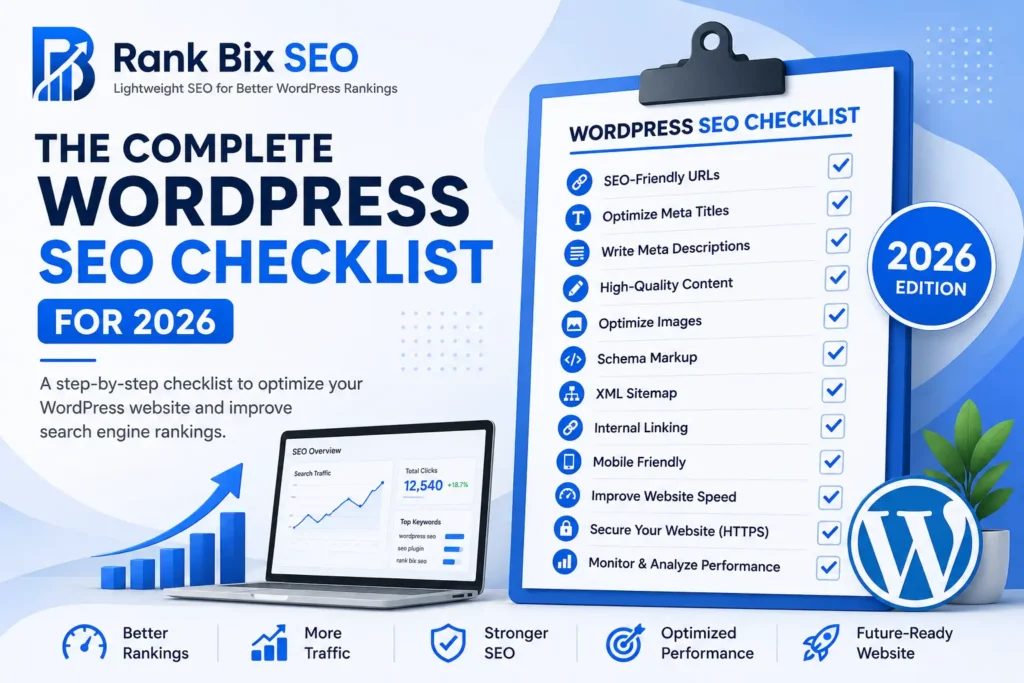

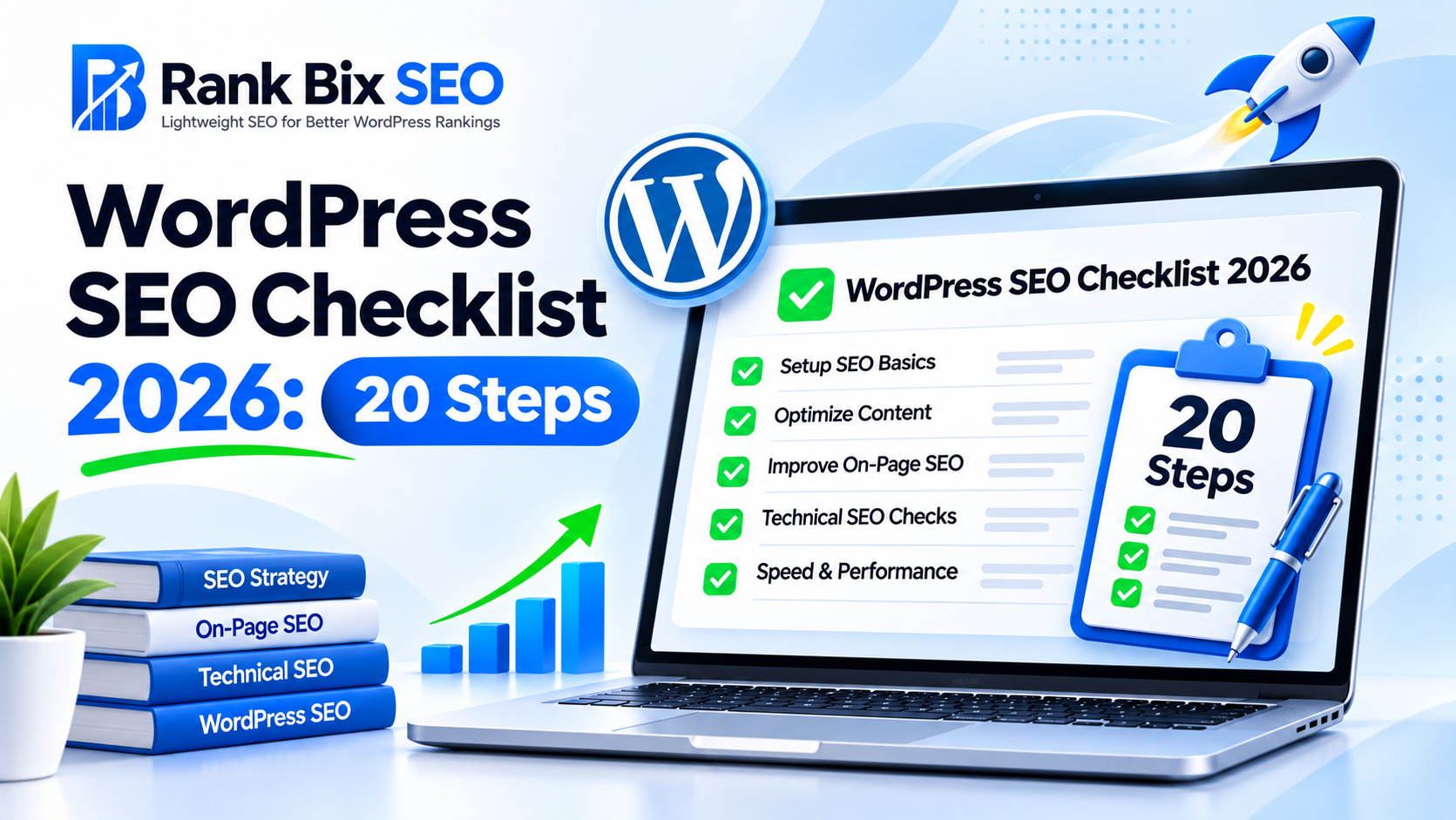
Staying ahead of search engine updates requires a modern WordPress SEO checklist that addresses everything from technical indexing to user experience. Search algorithms reward sites that are lightning-fast, impeccably structured, and built on a solid technical foundation.
In this comprehensive guide, you will learn a 20-step framework divided across five core phases: technical foundations, performance optimization, on-page strategy, advanced schema markup, and ongoing maintenance. Follow these actionable steps to future-proof your WordPress site and climb the search rankings in 2026.
Phase 1: Technical Foundations and Indexing
Your WordPress site needs a clean technical setup so search engine bots can easily crawl and index your content.
- Configure clean and readable URL permalinks.
- Ensure your site enforces HTTPS across all pages.
- Submit an updated XML sitemap to search console tools.
- Create and maintain a proper robots.txt file to block private pages.
- Verify that your site handles www and non-www redirects correctly.
Phase 2: Core Web Vitals and Performance
Page speed and user experience metrics are non-negotiable ranking factors for modern search engines.
- Optimize and compress all uploaded images into next-gen formats like WebP.
- Implement a reliable caching plugin to serve static pages quickly.
- Choose a high-performance hosting provider with robust server response times.
- Minimize and defer unused JavaScript and CSS files.
- Integrate a Content Delivery Network to speed up global asset delivery.
Phase 3: On-Page Optimization and Content
Content remains the primary driver of organic traffic, provided it is properly targeted and formatted.
- Conduct thorough keyword research to match user search intent.
- Write compelling, click-worthy title tags and meta descriptions.
- Use a logical heading hierarchy with a single H1 per page.
- Implement a strategic internal linking plan between related content.
- Add descriptive alt text to all images for accessibility and image search.
Phase 4: Advanced Schema and Structured Data
Help search engines understand the exact context of your content to win rich snippets in the search results.
- Add Article or BlogPosting schema to your standard blog content.
- Implement Organization schema to establish brand authority and entity data.
- Set up BreadcrumbList schema to improve search result navigation paths.
- Use FAQ schema on informational pages to capture expanded real estate.
- Validate all structured data using official testing tools to prevent errors.
Phase 5: Monitoring, Audits, and Maintenance
SEO is not a one-time project; it requires continuous tracking, auditing, and maintenance.
- Connect your site to analytics platforms to monitor organic traffic trends.
- Run regular technical SEO audits to catch broken links and crawl errors.
- Monitor Core Web Vitals reports for sudden drops in user experience scores.
- Perform quarterly content audits
Phase 1: Technical Foundations and Indexing
Phase 1: Technical Foundations and Indexing
Before you publish content or optimize keywords, your site must be fully accessible to search engine crawlers. Following a comprehensive WordPress SEO checklist ensures that search engines can easily find, crawl, and index your pages without running into roadblocks.
Here are the first four essential technical steps to get right:
- Enable HTTPS: Confirm that your SSL certificate is active and that all HTTP URLs automatically redirect to HTTPS. This secures user data and satisfies a confirmed Google ranking factor.
- Configure Your XML Sitemap: Generate a clean XML sitemap using a lightweight tool like Rank Bix SEO, then submit and verify it in Google Search Console to speed up content discovery.
- Review robots.txt Settings: Open your robots.txt file to ensure you are not accidentally blocking critical directories like wp-content/uploads or your main theme files from Googlebot.
- Check Search Engine Visibility: Go to your WordPress reading settings and verify that the box discouraging search engines from indexing your site is unchecked.
Getting these foundational elements locked down prevents indexing errors from quietly sabotaging your organic visibility before your campaigns even begin.
Phase 2: Core Web Vitals and Performance
Phase 2: Core Web Vitals and Performance
Speed is a non-negotiable ranking factor. This part of your WordPress SEO checklist focuses entirely on streamlining your site architecture to pass Google’s Core Web Vitals assessment.
- Upgrade Your Theme: Switch to a lightweight WordPress theme that minimizes unnecessary CSS and JavaScript. Avoid bloated multipurpose themes loaded with features you never use.
- Optimize Visual Assets: Compress and convert all uploaded images to next-gen formats like WebP. Large media files are the primary cause of slow Largest Contentful Paint (LCP) scores.
- Deploy Caching and CDN: Implement a reliable caching plugin to generate static HTML files and leverage a content delivery network to serve assets from servers closest to your visitors.
A fast-loading website reduces bounce rates and ensures search engine bots can crawl your pages efficiently without timing out.
Phase 3: On-Page Optimization and Content
Crafting Compelling Meta Data
Your meta title and description act as your organic ad copy in search results. Keep your meta titles under 60 characters and front-load your core terms. For meta descriptions, aim for roughly 150 characters. Focus on user intent and clear benefits to boost your click-through rate, which remains a vital component of any modern WordPress SEO checklist.
Writing Content Around Strategic H1 and H2 Tags
Structure your pages logically using HTML heading tags to help search engines understand your content hierarchy. Use your primary search targets naturally within your single H1 tag and subsequent H2 tags. Break up dense text blocks with helpful H3 subheadings to improve readability for both humans and crawlers.
Building Strategic Internal Links
Internal links distribute “link juice” throughout your site and help search engines discover deeper pages. Follow these best practices when linking:
- Link from high-authority parent pages to newer, relevant child pages.
- Use descriptive anchor text that hints at the target page content rather than generic phrases like click here.
- Audit your archives quarterly to ensure older posts link out to your most important money pages.
Phase 4: Advanced Schema and Structured Data
Search engines rely heavily on context to understand the relationships between your content, your business, and the broader web. Implementing advanced structured data is a critical step in any modern WordPress SEO checklist to help search engines parse your data accurately and reward you with enhanced visibility in the SERPs.
Add Article or BlogPosting Schema to Informational Posts
Informational content thrives on clarity. By adding specific Article or BlogPosting schema to your blog posts, you give search engines explicit metadata regarding your headline, author, publishing date, and modified timestamp. This structured formatting increases your chances of securing valuable rich snippets and featured placements in top stories carousels.
Implement LocalBusiness or Organization Schema
Establish brand authority and solidify
Phase 5: Monitoring, Audits, and Maintenance
Run Regular Technical Audits
SEO is never a one-time setup. To protect your rankings long-term, incorporate site audits into your routine. Use a lightweight tool or your Rank Bix plugin to catch broken links and 404 errors instantly before they frustrate users or waste crawl budget.
Track Performance in Search Console
Data drives smart optimization. Monitor your keyword position changes and click-through rates in Google Search Console weekly. If you notice high impressions but low clicks, rewrite your meta descriptions to compel searchers to visit your site.
Maintain Core and Plugin Updates
Outdated software invites vulnerabilities and slows down your pages. Update plugins, themes, and WordPress core files safely on a staging site first. Routine maintenance ensures optimal security and speed, keeping your site aligned with the latest standards outlined in this WordPress SEO checklist.
Review Your Strategy Continuously
Search engines evolve constantly, and your approach should too. Revisit your top-performing pages every quarter to add fresh insights, update statistics, and improve internal linking. Diligent tracking secures your competitive edge.
Frequently Asked Questions
How often should I run a WordPress SEO audit?
You should perform a comprehensive technical SEO audit at least once every quarter. However, monitoring tools like Google Search Console should be checked weekly to catch sudden drops in rankings, crawl errors, or security warnings immediately before they impact your organic traffic.
Do I need a heavy SEO plugin to rank higher on Google?
No, you do not need a bloated plugin loaded with unnecessary modules. A lightweight SEO solution gives you all the essential tools like metadata controls, sitemaps, and schema without slowing down your server response times, which directly helps your Core Web Vitals scores.
What is the single most important ranking factor in 2026?
Search intent and user experience remain paramount. Google rewards content that directly answers user queries accurately, loads instantly on mobile devices, and offers clear navigation, backed by strong contextual internal linking and authoritative backlinks.
Start Ranking Higher Today
Mastering modern search engine optimization requires a systematic approach, and following a comprehensive WordPress SEO checklist ensures nothing falls through the cracks. We have walked through Phase 1 focusing on technical foundations and indexing, Phase 2 optimizing Core Web Vitals and performance, Phase 3 refining on-page optimization and content, Phase 4 implementing advanced schema and structured data, and Phase 5 establishing ongoing monitoring, audits, and maintenance routines.
SEO is never a one-time setup task; it is an evolving strategy that demands continuous refinement. To take your next step right now, install a lightweight optimization toolkit like Rank Bix SEO to run your first automated site audit and uncover hidden technical bottlenecks in minutes.