
Navigating the vast ecosystem of WordPress SEO Plugins can feel overwhelming, especially when every tool promises to instantly rocket your site to the top of search engine results. Choosing the right optimization toolkit requires looking past the marketing hype to examine core performance metrics, feature sets, and long-term value.
In this comprehensive guide, you will learn how to evaluate the current market landscape, weigh the benefits of free versus pro tiers, and prevent heavy tools from dragging down your site speed. We will also break down essential features to look for and provide a practical framework for making the final selection for your specific business goals.
Understanding the Landscape of WordPress SEO Plugins
The WordPress repository hosts dozens of optimization tools, each approaching search visibility from a slightly different angle. Some solutions focus heavily on on-page content analysis, guiding you to use target keywords, write compelling meta descriptions, and structure headings correctly. Others prioritize technical infrastructure, managing XML sitemaps, schema markup, and canonical URLs behind the scenes.
When assessing these tools, you need to understand whether you are looking for an all-in-one suite or a modular plugin. All-in-one solutions handle everything from social media integration to local SEO, making them convenient for beginners and busy site owners. Modular setups, meanwhile, let you install lightweight individual components for sitemaps, redirects, and schema, reducing code bloat.
Consider a portfolio site versus a massive e-commerce store. A simple blog might only need basic meta tag management, while an online shop requires advanced product schema and robust indexing controls. Knowing your site architecture helps you filter out unnecessary bloat and focus on solutions built for your specific workflow.
Evaluating Free vs Pro Tiers in Optimization Tools
Most popular optimization tools follow a freemium business model, offering a robust free core alongside a paid pro upgrade. Deciding whether to open your wallet depends entirely on your technical skill level and the competitive nature of your niche.
Free versions typically provide the foundational necessities:
- Basic XML sitemap generation for search engine crawlers
- On-page readability and keyword presence analysis
- Meta title and description customization for individual posts and pages
- Simple social media graph integration for Facebook and Twitter
Pro tiers introduce advanced capabilities that save time and unlock deeper insights. These paid upgrades often include multi-keyword analysis per page, automated internal linking suggestions, advanced WooCommerce SEO features, and redirect managers for fixing broken links. If you run a local business, pro tiers frequently unlock local schema markup for Google Maps integration. Agencies managing multiple client sites also benefit from pro features like white-label reporting, bulk editing tools, and priority support.
Performance Impact: Avoiding Site Slowdown
One of the most critical yet overlooked aspects of optimization tools is their impact on page speed. Bloated plugins execute excessive database queries, load unnecessary JavaScript and CSS files on the frontend, and ultimately degrade your Core Web Vitals scores.
Google uses page speed as a direct ranking factor, meaning an overly heavy optimization suite can actively sabotage the very rankings it is trying to improve. To protect your site performance, look for lightweight alternatives that keep database overhead to an
Understanding the Landscape of WordPress SEO Plugins
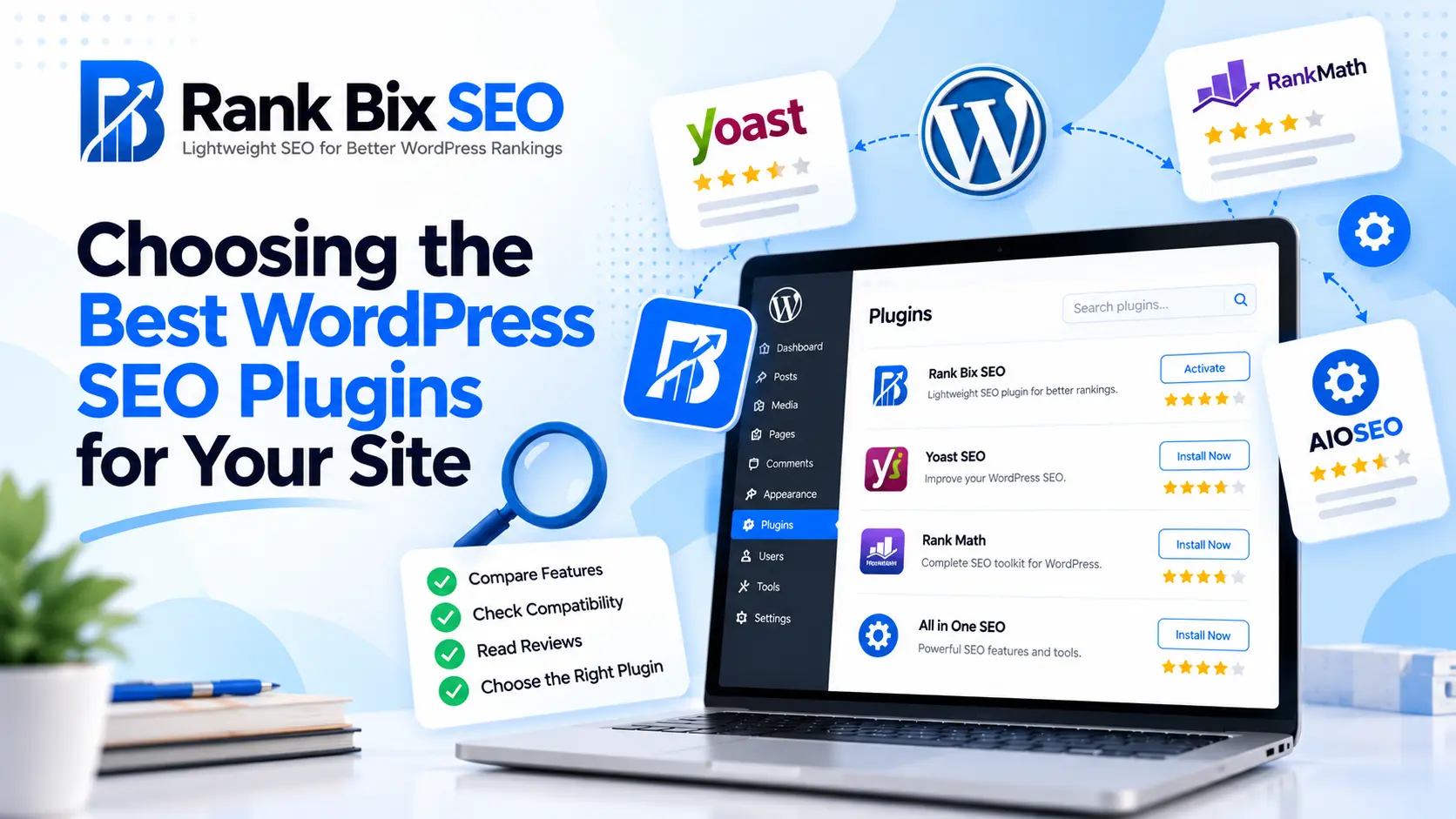
Navigating the market for WordPress SEO Plugins can feel overwhelming. For years, the optimization space was dominated by monolithic tools that tried to do everything out of the box. Solutions like Yoast SEO, Rank Math, and All in One SEO set the standard by offering comprehensive suites covering everything from XML sitemaps to basic schema markup.
However, the industry is currently experiencing a major shift. Site owners and developers are moving away from heavy, all-in-one plugins that inject unnecessary bloat into their codebases. Instead, the focus has shifted toward modular, lightweight solutions that prioritize core web vitals, speed, and targeted functionality without slowing down the server response time.
When selecting your tools, matching plugin capabilities to your actual workflow is critical:
- If you manage multiple client sites, you need streamlined agency workflows rather than endless configuration wizards.
- If you are a solo blogger, a simple tool that handles on-page metadata without distraction is often better.
- If you run an e-commerce store, specialized schema integration matters more than generic readability scores.
Choosing the right option requires looking past heavy marketing claims and focusing entirely on what your specific website needs to rank higher.
Evaluating Free vs Pro Tiers in Optimization Tools
When selecting WordPress SEO Plugins, navigating the line between complimentary options and paid upgrades requires a clear-eyed look at your actual requirements. The right choice depends heavily on your technical scope and business goals.
Every reputable free optimization tool should provide foundational elements right out of the box without locking core functionality behind a paywall. Essential features that must remain free include:
- XML sitemap generation and automatic search engine pinging
- Basic on-page metadata controls for titles and meta descriptions
- Readability checks and basic keyword analysis
- Simple search engine verification tools
You generally need to upgrade to a Pro tier when your workflow demands automation and deeper analytical data. Free options work well for single, static blogs, but growing businesses often hit limits.
When analyzing return on investment, paid upgrades truly shine in agency workflows and advanced audits. Premium tiers introduce time-saving features like bulk schema deployment, redirection managers, and client-ready reporting dashboards. For an agency managing dozens of client sites, the time saved through automated bulk optimizations and comprehensive site health audits easily justifies the annual subscription cost. Measure the ROI by calculating the hours your team spends on manual fixes versus the cost of a Pro license.
Performance Impact: Avoiding Site Slowdown
When selecting WordPress SEO Plugins, site speed must remain a top priority. Many popular optimization suites come loaded with excess features you may never use, silently weighing down your backend. Bloated plugins frequently execute dozens of unnecessary database queries on every page load and inject heavy JavaScript and CSS files into your header. This slows down your Time to First Byte and frustrates visitors before they even read your content.
To measure this impact accurately, always audit your Core Web Vitals before and after installing a new tool. Run a benchmark test using tools like PageSpeed Insights or GTmetrix to record your baseline performance. Install the candidate plugin, configure your settings, and test the site again. If you notice a significant drop in your Largest Contentful Paint or an increase in total blocking time, the tool is too heavy for your server.
The primary advantage of minimalist codebases is lightning-fast server response times. Lightweight solutions execute only the code necessary to handle metadata, sitemaps, and schema generation without adding extra server overhead. By keeping your site lean, you ensure better user experiences and stronger search engine rankings.
Essential Features to Look For in Your Toolkit
Finding the right toolkit requires looking past marketing claims and focusing on core capabilities that drive search visibility. When evaluating different WordPress SEO plugins, you need to ensure your chosen solution balances robust optimization features with a lightweight footprint that keeps your site running smoothly.
On-Page Analysis That Inspires Action
Content optimization should feel intuitive, not restrictive. The best tools offer real-time readability and keyword suggestions directly inside the block editor. They highlight missing alt text, evaluate title lengths, and check keyword density without adding heavy scripts that drag down your publishing workflow.
Essential Technical Foundations
Technical SEO forms the backbone of search engine indexing. Your toolkit must handle foundational elements automatically:
- Automated XML sitemaps that update whenever you publish new content
- Precise meta tag and title management for every post, page, and custom post type
- Built-in schema markup to help search engines understand your content structure
- Canonical URL controls to prevent duplicate content penalties
Painless Data Migration Paths
Never get trapped by legacy software. Modern WordPress SEO plugins should include robust import and export wizards. When switching tools, you want to migrate existing meta descriptions, redirects, and indexing rules with a single click, ensuring zero loss of search rankings during the transition.
Making the Final Selection for Your Business
Selecting the right option among various WordPress SEO Plugins ultimately comes down to aligning your tool with your specific digital business model. An e-commerce store requires robust product schema and local optimization, while a content-heavy blog thrives on internal linking automation and readable content scoring. Agency professionals need white-label reporting and multi-site management capabilities without paying per-client licensing fees.
Before deploying any new optimization tool to your live domain, always test your chosen plugin on a staging environment. This precautionary step ensures that database queries, script injections, and cache configurations do not break your existing layout or conflict with your current theme and security setups.
If you find that your current optimization suite is dragging down your server response times, transitioning smoothly to a lightweight alternative is a smart move. Follow these steps for a seamless switch:
- Export your existing metadata and XML sitemaps from your legacy tool.
- Install and activate your new lightweight solution.
- Map your old data fields to ensure no title tags or meta descriptions are lost in translation.
- Deactivate and completely delete the old bloated plugin to purge unnecessary database transients.
- Run a final site audit to verify that search engines can still crawl your pages effectively.
Frequently Asked Questions
What makes a WordPress SEO plugin lightweight?
A lightweight WordPress SEO plugin uses clean, optimized code, avoids unnecessary database bloat, and only loads scripts where they are strictly needed. This approach keeps your server response times fast and protects your core web vitals from degradation.
Can I switch between different WordPress SEO plugins easily?
Yes, most modern plugins include built-in import and export tools. You can effortlessly migrate your existing meta titles, descriptions, and sitemap settings without losing your hard-earned search engine rankings.
Are free WordPress SEO plugins enough for small businesses?
Free versions generally cover all essential on-page optimization needs, such as XML sitemaps, meta tags, and basic readability checks. Pro versions are typically only required for advanced agency workflows, deep technical audits, and specialized keyword tracking.
Final Thoughts on Selection
Navigating the world of WordPress SEO Plugins comes down to balancing your site’s specific needs with performance and budget. We explored the broader optimization landscape, weighed the true value of free versus pro tiers, and emphasized why avoiding site slowdown is critical for both user experience and rankings. By focusing on essential features like XML sitemaps, schema markup, and clean code, you can narrow down your choices to find a toolkit that actually serves your growth. Making the final selection for your business means prioritizing lightweight efficiency over bloated feature lists that bog down your server.
Your clear next step is to audit your current setup, strip away any heavy tools that drag down your load times, and install a streamlined solution like Rank Bix SEO to handle your optimization needs without sacrificing speed.