
Mastering WordPress on page SEO is the most reliable way to boost your website visibility and attract free, targeted traffic from search engines. Unlike technical SEO or off-page link building, on-page optimization puts you entirely in the driver seat, allowing you to directly control how search engines read and rank your content.
In this complete beginner guide, you will learn how to configure your site settings, research the right terms, structure your articles with proper headings, and optimize every element on your pages for maximum search engine performance.
Understanding WordPress on Page SEO Basics
Before you touch a single keyword, you need to understand how search engines view your WordPress site. On-page SEO refers to the practice of optimizing individual web pages to rank higher and earn more relevant traffic. WordPress is naturally search-engine friendly, but out-of-the-box settings rarely cut it.
Start by verifying your site visibility settings. Go to Settings, then Reading in your WordPress dashboard, and make sure the box labeled “Discourage search engines from indexing this site” is unchecked. Next, configure your permalink structure. Switch your URL settings from the default plain numbers to the “Post name” structure. This ensures your URLs are clean, readable, and include your target terms naturally.
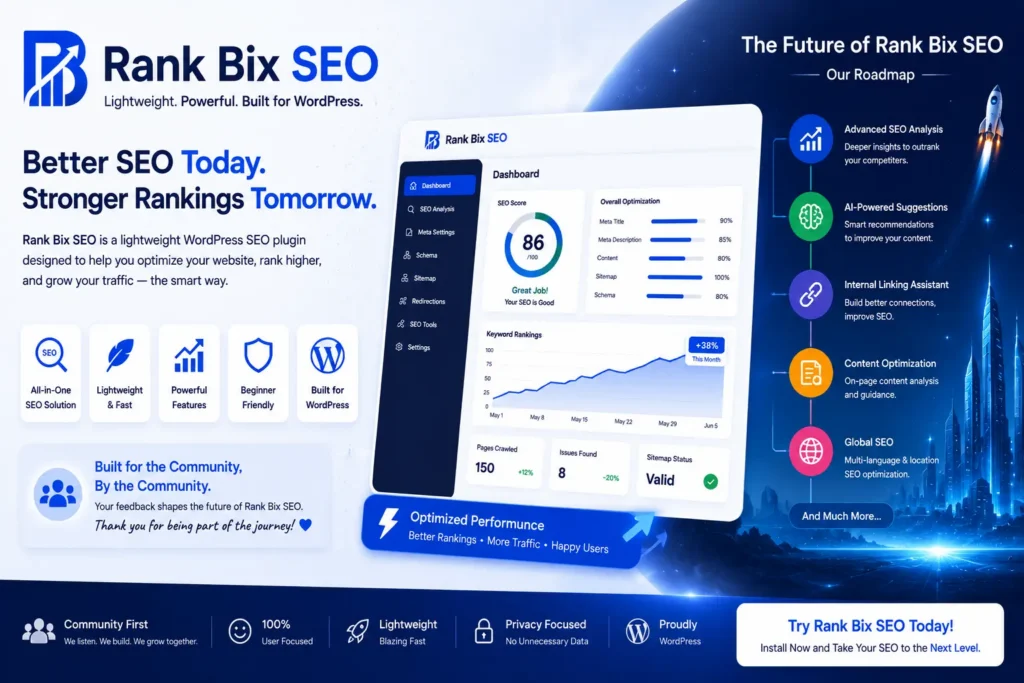
Finally, install a lightweight SEO plugin. A good plugin acts as your co-pilot, helping you manage metadata, generate XML sitemaps, and analyze your content structure in real time without slowing down your server speed.
Keyword Research and Placement Strategies
Content without targeted search terms is like shouting into an empty room. Keyword research tells you exactly what your audience is typing into Google so you can tailor your content to answer their questions.
Use tools like Google Keyword Planner, Ahrefs, or Ubersuggest to find terms with decent search volume and low competition. For beginners, long-tail keywords—such as “best free WordPress on page SEO plugin”—are much easier to rank for than broad terms like “SEO.”
Once you have your primary term, use these placement strategies for the best results:
- Include your main keyword naturally within the first 100 words of your introduction.
- Place the exact term in your page title and meta description.
- Scatter variations of your keyword throughout the body text, but never force them where they sound unnatural.
- Use your keyword in at least one subheading if it fits the context smoothly.
Crafting Compelling Titles and Meta Descriptions
Your title tag and meta description are your first impression on the search engine results page. If they look boring, users will scroll right past your link.
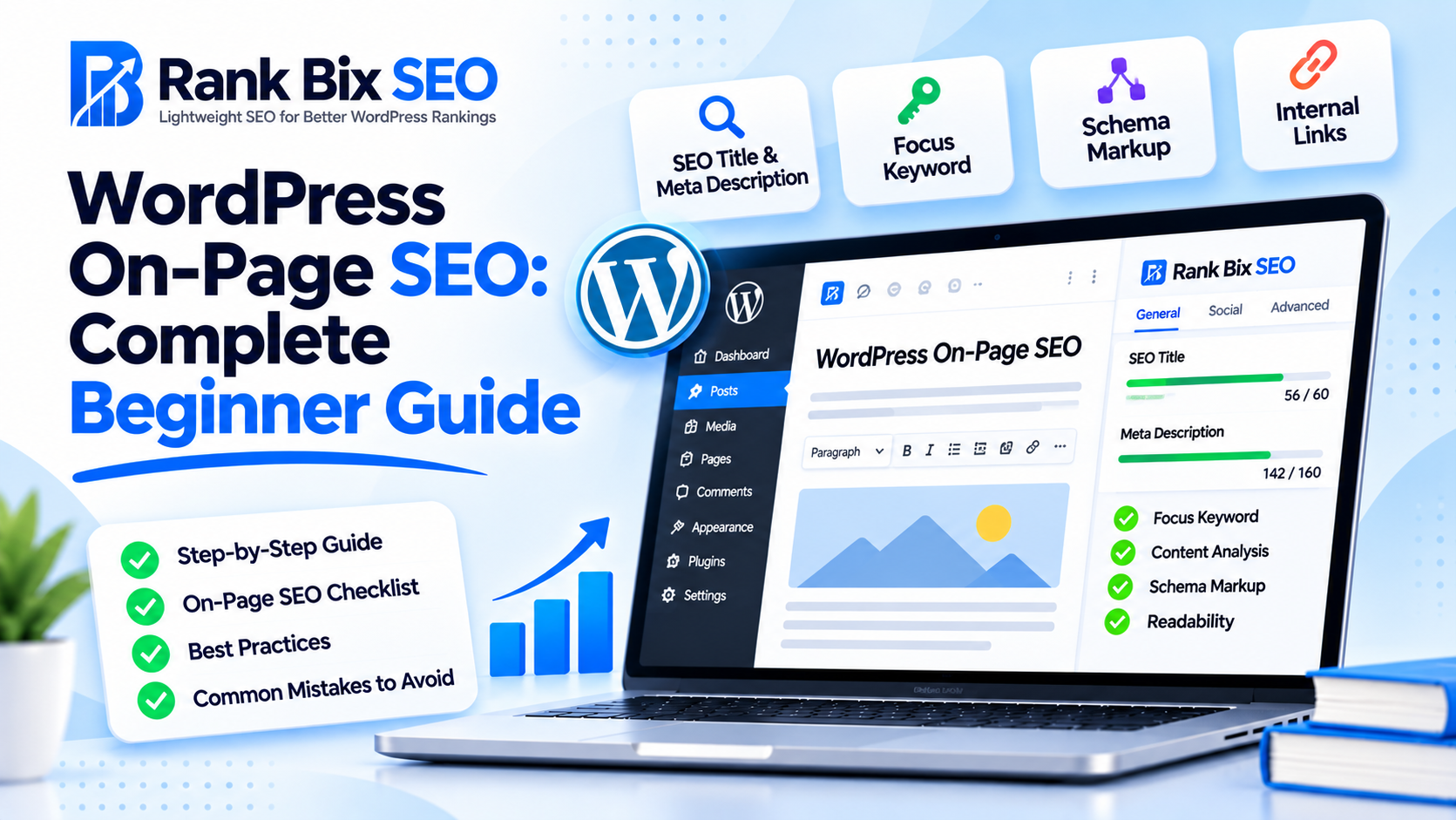
Your SEO title should be under 60 characters so it does not get cut off in mobile or desktop search results. Put your main keyword as close to the front of the title as possible. Add a modifier like “Guide,” “Checklist,” or the current year to boost click-through rates.
Meta descriptions do not directly influence rankings, but they heavily influence clicks. Keep your description under 160 characters. Write a concise summary of what the reader will
Understanding WordPress on Page SEO Basics
Mastering WordPress on page SEO is the foundation of driving organic traffic to your website. At its core, on-page optimization involves fine-tuning individual web pages so they rank higher and earn more relevant traffic from search engines. In the WordPress ecosystem, this means utilizing your content management system settings, plugins, and editor tools to present your material in a way search engines and human readers love.
To understand why this matters, you need to know how search engines operate. Automated bots—often called crawlers or spiders—traverse the web, following links from page to page. These bots read your WordPress site’s source code, assessing your text, images, and structure. Once crawled, the search engine analyzes the data to determine what your page is about and adds it to a massive database called an index. When a user enters a query, the search engine retrieves the best matches from this index.
It helps to understand where on-page tactics fit into the broader digital marketing landscape:
- On-page SEO: Optimizing elements visible on your actual web pages, such as your copy, headings, and image alt text.
- Off-page SEO: Building your site’s authority and reputation externally through backlinks, brand mentions, and social signals.
- Technical SEO: Improving the behind-the-scenes infrastructure of your website, including site speed, mobile responsiveness, XML sitemaps, and secure SSL protocols.
While technical SEO ensures search engines can access your site smoothly, WordPress on page SEO dictates how well your specific content answers a user’s search intent.
Keyword Research and Placement Strategies
Before you write a single word, you need to understand what your audience is actually searching for. Finding the right keywords using search intent ensures you target terms people use when they want information, products, or services. If you run a digital marketing blog, targeting a phrase like how to start a blog requires a step-by-step tutorial, not a product page.
Strategic Keyword Placement
Once you select your target terms, you need to know where to put them without disrupting the reader experience. Proper WordPress on page SEO relies on putting your focus keyword in the most impactful areas of your post. Make sure your primary phrase appears in these key locations:
- Your main page title or H1 tag
- The first one or two paragraphs of your introduction
- At least one subheading to guide the reader
- Naturally throughout the body content
Avoiding Keyword Stuffing
Never sacrifice readability for search engine optimization. Stuffing your text with repetitive phrases hurts your credibility and can trigger search engine penalties. Write for humans first and search engines second. Keep a natural writing flow by using synonyms, related terms, and variations of your primary keyword throughout your content.
Crafting Compelling Titles and Meta Descriptions
Your title tag and meta description act as your content’s storefront window in search engine results pages. Getting this right is a vital part of effective WordPress on page SEO because it directly influences whether users choose your site over a competitor’s. Treat these elements as your primary tool for securing organic traffic.
Start by keeping your SEO titles under 60 characters to prevent Google from cutting them off with ellipsis marks. Front-load your main terms so searchers instantly recognize what your page covers. For instance, instead of writing “A Guide to Understanding How to Optimize Your Website,” use “Website Optimization Guide: Top Tips for Beginners.”
When writing meta descriptions, focus on driving high click-through rates rather than just stuffing keywords. While descriptions do not directly boost rankings, they act as persuasive ad copy. Clearly state the value the reader will get, and include a subtle call to action like “Learn how today” or “Discover proven strategies.”
Manually checking character lengths and pixel widths can slow down your publishing workflow. You can easily streamline this process by using a lightweight SEO plugin to preview snippets instantly. These tools let you see exactly how your title and description will look on desktop and mobile screens before you hit publish, ensuring your message stays punchy, visible, and optimized.
Structuring Content with Headings and Tags
Proper hierarchy is a foundational pillar of effective WordPress on page SEO. Search engines and visually impaired readers rely on a clear document outline to understand what your content is about and how different sections relate to each other.
Using Heading Tags Correctly
Your page should only ever use a single H1 tag, which WordPress usually generates automatically from your post title. From there, your job is to organize subtopics logically using H2, H3, and H4 tags.
- H2 Tags: Use these for main sections of your article.
- H3 Tags: Use these to break down H2 sections into specific subpoints.
- H4 Tags: Use these for granular details under an H3.
Improving Readability with Formatting
Structuring your text goes beyond HTML tags. Large blocks of text scare readers away, increasing your bounce rate—a metric search engines monitor. Break up your content using bullet points, numbered lists, and bold text for key terms. This makes your page scannable and keeps users engaged longer, signaling to Google that your content provides a great user experience.
Optimizing Images and Internal Links
When mastering WordPress on page SEO, visual assets and site architecture play a crucial role that many beginners overlook. Images can slow down your site if they are not properly optimized, which directly hurts your search engine rankings and user experience.
Compressing Images for Speed
Large image files are the number one culprit behind slow-loading web pages. Before uploading any graphic to your WordPress media library, you must compress it. Tools like TinyPNG or plugins that automatically optimize images upon upload can reduce file sizes by up to seventy percent without losing visual quality. Faster load times keep visitors on your site longer and satisfy Core Web Vitals requirements.
Writing Descriptive Alt Text
Search engines cannot see images, so they rely on alternative text to understand what is in the graphic. Writing descriptive alt text helps visually impaired users who rely on screen readers while giving search bots additional context. Incorporate your target keywords naturally into the alt text only when it accurately describes the image. For example, instead of a generic file name like IMG_1234, use alt text that reads a screenshot of the Rank Bix SEO dashboard.
Building Strategic Internal Links
Internal links connect your content and help search engine crawlers discover new pages while understanding the relationship between different topics. When you publish a new blog post, always link back to two or three related articles on your site using descriptive anchor text. This practice distributes link equity throughout your domain and keeps readers engaged with your content for longer periods.
Frequently Asked Questions
What is WordPress on page SEO?
WordPress on page SEO refers to the practice of optimizing individual web pages on your WordPress site to rank higher and earn more relevant traffic from search engines. This includes optimizing your content, HTML source code, headings, images, and internal links directly within your content management system.
How often should I update my on-page SEO?
You should review and update your on-page SEO whenever you refresh your content or notice a drop in rankings. Conducting periodic quarterly audits helps ensure your target keywords, internal links, and meta descriptions remain relevant and aligned with current search engine algorithm updates.
Do I need a heavy SEO plugin for WordPress?
No, you do not need a bloated SEO plugin that slows down your website. Using a lightweight, modular SEO plugin allows you to manage titles, meta descriptions, and sitemaps efficiently without adding unnecessary database bloat or hurting your core web vitals performance scores.
Start Optimizing Today
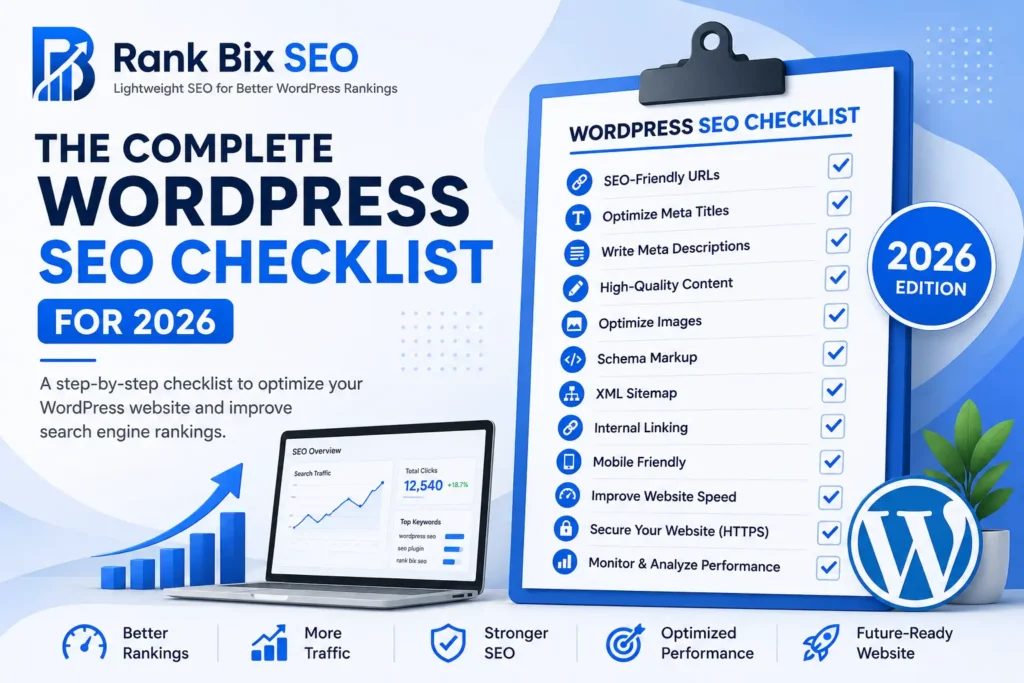
Mastering WordPress on page SEO is the most effective way to drive consistent, organic traffic to your website without spending a dime on ads. Throughout this guide, we covered the foundational steps needed to optimize your content for both users and search engines:
- Understanding WordPress on Page SEO Basics: Setting up clean permalinks and configuring your site settings.
- Keyword Research and Placement Strategies: Finding the right search terms and placing them naturally.
- Crafting Compelling Titles and Meta Descriptions: Writing click-worthy snippets that boost your click-through rates.
- Structuring Content with Headings and Tags: Using H2s and H3s to make your posts easy to read and index.
- Optimizing Images and Internal Links: Compressing visuals, adding alt text, and connecting related pages.
Your clear next step is to open your WordPress dashboard, pick one existing blog post, and apply these optimization techniques right away.